Overview — Simple, Solid, and Built for Gaming
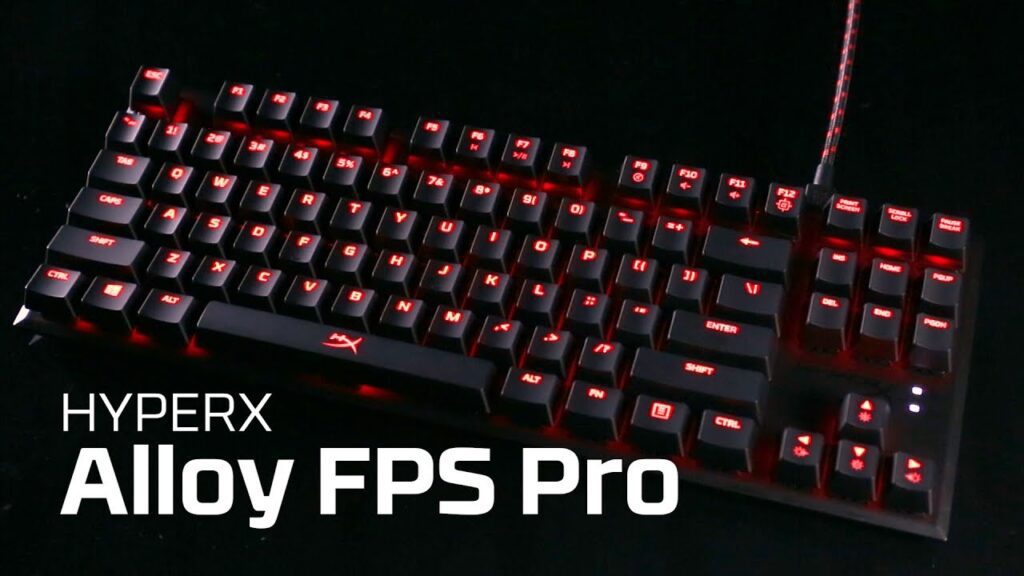
The HyperX Alloy FPS Pro is a tenkeyless (TKL) mechanical gaming keyboard designed to strip away unnecessary extras and focus on the essentials: responsive keys, durable build, and reliable performance. It’s particularly well-suited for FPS gamers or anyone who wants more desk space for mouse movement without a numeric keypad crowding the layout.
Design & Build
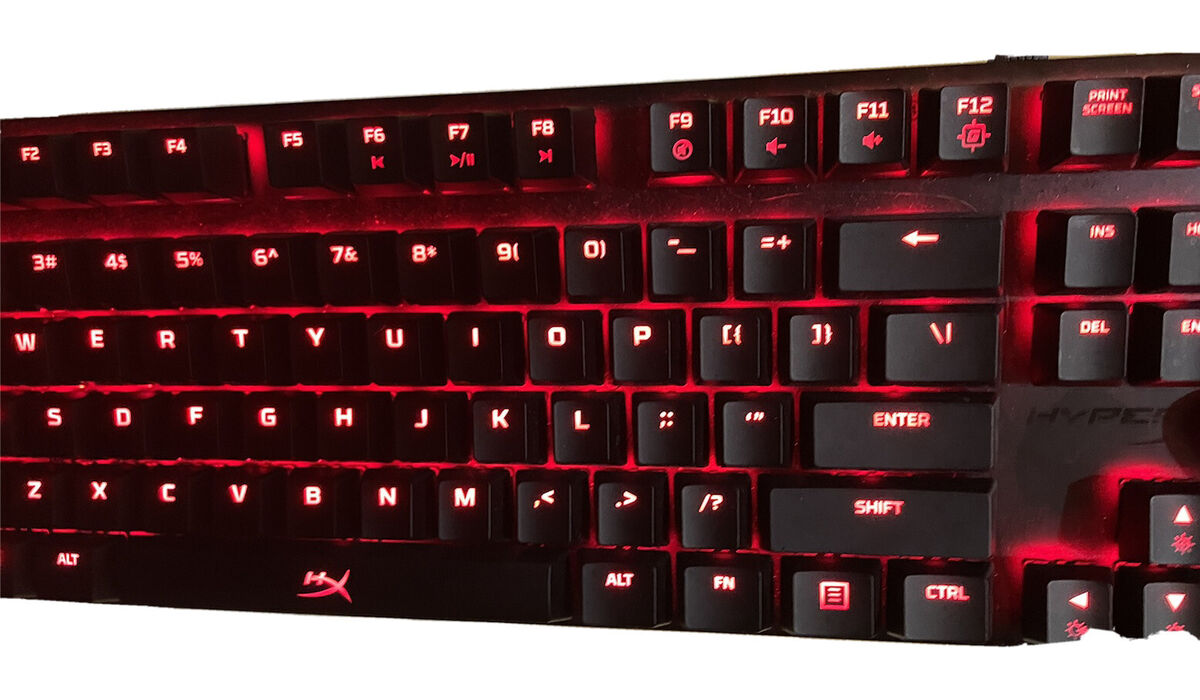
Visually, the Alloy FPS Pro is clean and minimal. It features a solid steel frame that feels robust and gives the keyboard a satisfying heft on the desk, while its red backlighting keeps the look straightforward and functional rather than flashy.
- Tenkeyless 87-key layout: Saves space and improves ergonomics for gaming.
- Detachable USB cable: Great for transport and reduces wear during setup.
- Red LED backlit keys: Six lighting effects without needing software.
There aren’t any dedicated macro keys or software-controlled RGB intentional choices that keep the keyboard lightweight and distraction-free.
Performance
What the Alloy FPS Pro does focus on is performance and it delivers:
- Cherry MX mechanical switches: This keyboard comes with options like Cherry MX Red, Blue, or Brown switches, with the Red variety offering a light, linear feel great for gaming.
- Responsive and consistent typing: Tests highlight quick actuation and excellent key registration, making it suitable for both gaming and long typing sessions.
- 100% anti-ghosting & N-key rollover: No missed keystrokes, even during frantic gaming moments.
Users on review sites and community forums often praise its responsive feel and durability, noting that it stays comfortable even through extended sessions.
Comfort & Usability
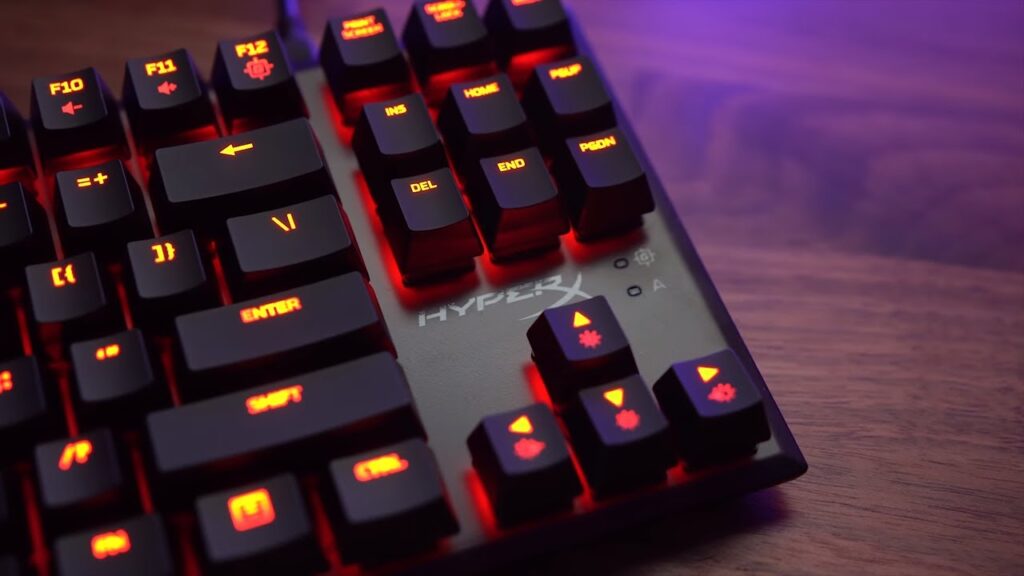
Because it lacks a number pad, the TKL layout gives you extra space for mouse movement very handy for FPS or competitive play. The keyboard’s overall profile and key spacing help reduce fatigue whether you’re typing or gaming.
That said, there’s no dedicated wrist rest and limited backlight customization, so it’s not aimed at users who want extra ergonomic accessories or flashy RGB effects.
Pros
- Strong build quality: Steel frame feels premium and durable.
- Compact tenkeyless layout: Ideal for gamers needing more mouse room.
- Reliable Cherry MX switches: Great tactile or linear feel depending on switch type.
- Anti-ghosting & N-key rollover: Ensures accurate input in games.
- No software needed: Light and fuss-free setup.
Cons
- Limited lighting: Only single-color red backlight with basic effects no RGB customization.
- No macro keys or software control: Not suited for users who want extensive programmable shortcuts.
- ABS keycaps: Good quality, but they may shine faster than PBT alternatives with heavy use.
Who Should Buy It?
Great fit for:
- FPS and competitive gamers wanting a reliable, no-nonsense keyboard
- Users who prefer a compact TKL layout
- Anyone who wants classic mechanical performance without bundled software
Not ideal for:
- Users who want RGB lighting and deep customization
- Fans of macro-heavy keyboards or those needing extra keys for productivity
The HyperX Alloy FPS Pro is a solid choice for gamers and typists alike who value durable build, responsive mechanical switches, and a compact layout. It steers away from flashy extras in favor of straightforward, reliable performance — and for many users, that’s exactly the point.