
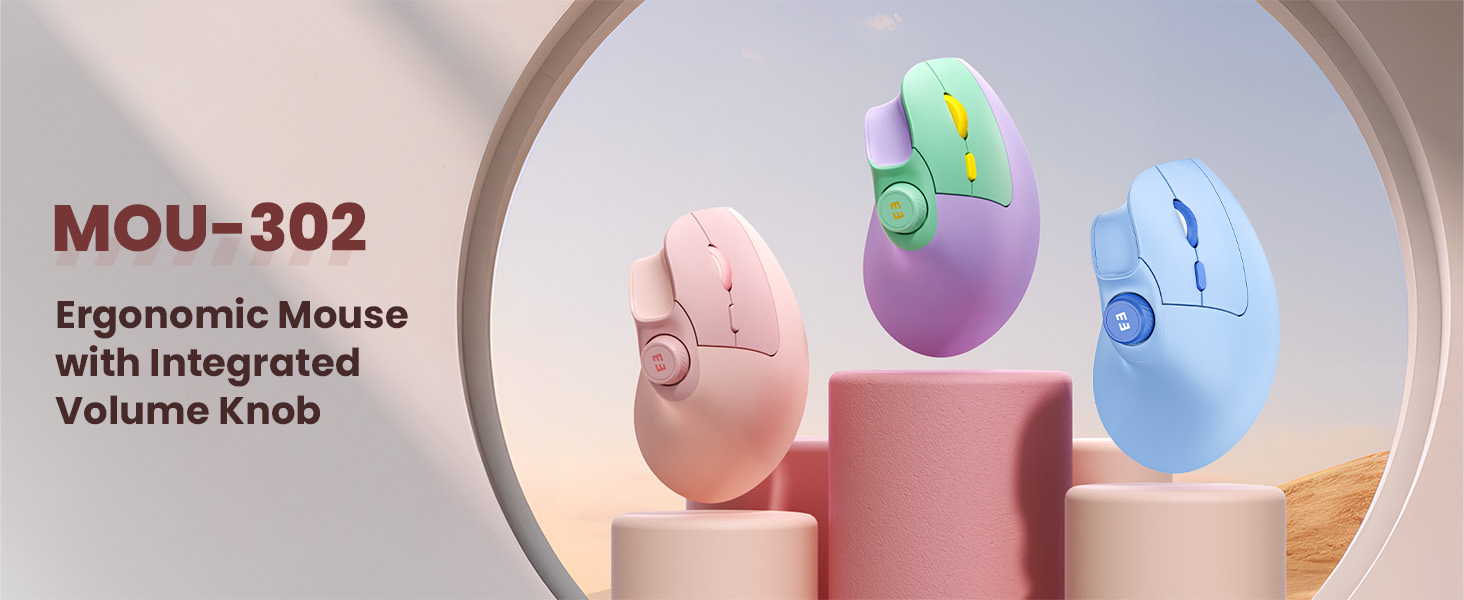
Spending long hours at a desk can take a toll on your wrists, shoulders, and overall comfort — and your choice of mouse plays a bigger role in that than you might realize. In 2025, ergonomic wireless mice are more popular than ever, especially for people who experience wrist strain, work across multiple devices, or just want quieter, more comfortable everyday use. One standout example in this category is the SEENDA MOU-302 vertical wireless mouse.
Why Ergonomic Wireless Mice Matter
Traditional flat mice position your wrist in a bent or pronated posture, which can create strain over time — especially if you’re typing, browsing, or clicking for hours every day. A well-designed ergonomic mouse keeps your wrist in a more natural, neutral alignment, reducing pressure on tendons and muscles and helping prevent discomfort such as repetitive strain injuries.
Overview
The SEENDA MOU-302 is positioned as an affordable, versatile ergonomic mouse with a features list that suits office workers, students, remote professionals, and others who spend long periods at the computer.
Key Features
Vertical Ergonomic Design
The mouse’s upright shape encourages a natural wrist angle, which can significantly reduce strain during extended use — a major benefit for office work, document editing, and other repetitive tasks.
Multi-Device Connectivity
With tri-mode wireless — Bluetooth 5.0, Bluetooth 3.0 and 2.4 GHz USB receiver — the mouse pairs with up to three devices and lets you switch between them with a click, making it a strong choice for multitaskers using a laptop, tablet, and desktop.
Silent Clicks
Its quiet button mechanism produces noise below 30 dB, ideal for quiet environments like shared offices, libraries, or night-time use.
Rechargeable Battery
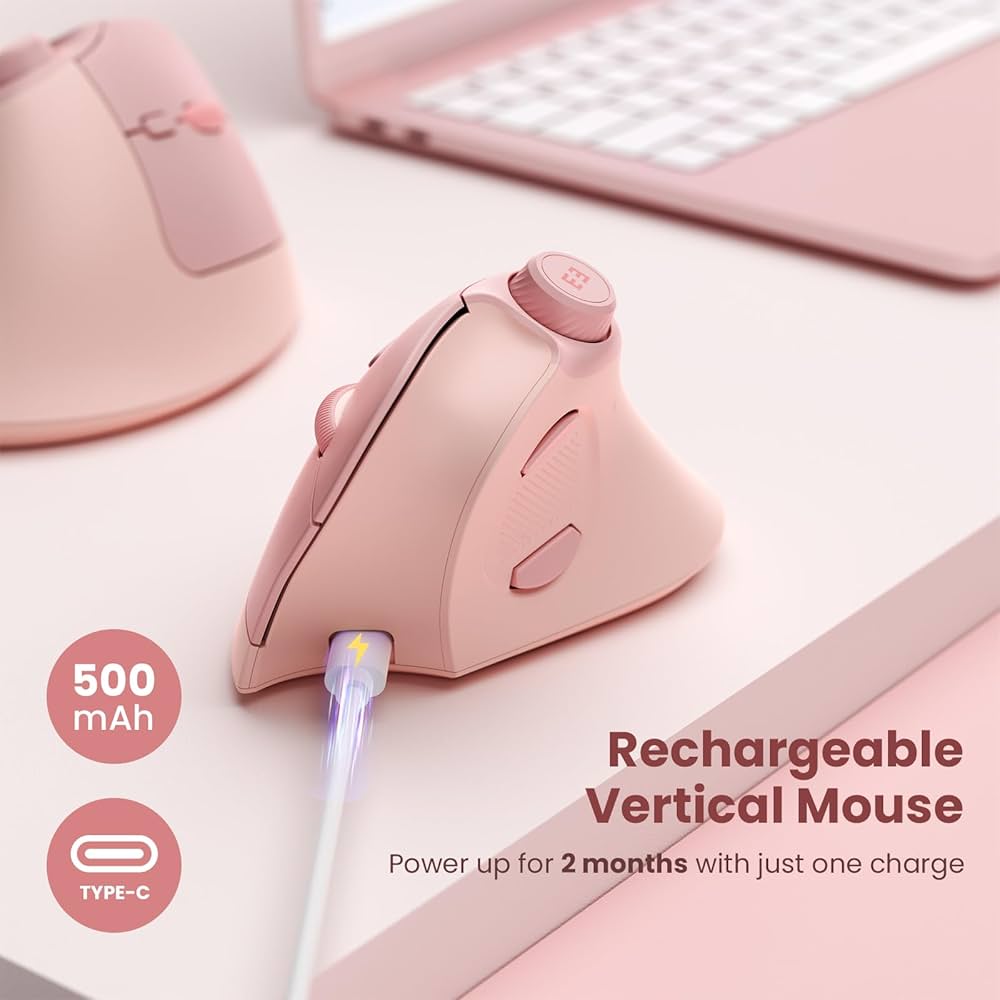
A built-in rechargeable battery powers the mouse for up to two months on a single charge with typical daily use, eliminating the hassle and waste of disposable batteries.
Adjustable DPI
You can toggle between 1000, 1600, and 2400 DPI settings, giving flexibility for precise work on large screens, everyday browsing, or more general tasks.
Silent & Practical Controls
Forward/back browser buttons and an integrated volume knob add convenience for everyday navigation and media control without needing extra keyboard shortcuts.
How It Stacks Up Against Competitors
In comparisons with established ergonomic models — such as the Microsoft Sculpt or Anker vertical mouse — the SEENDA MOU-302 generally offers longer battery life, adjustable DPI, and silent clicks at a lower price point. While some premium models may provide specialized software or more buttons, this model strikes a balance of comfort, convenience, and value.
Final Thoughts
If wrist comfort, quiet operation, and flexible connectivity are priorities, the SEENDA MOU-302 is a compelling pick in 2025 — especially for users who spend lots of time at the computer but aren’t seeking a hardcore gaming mouse. With multi-device support and months of battery life between charges, it’s a practical ergonomic upgrade that fits seamlessly into work, study, or creative setups.