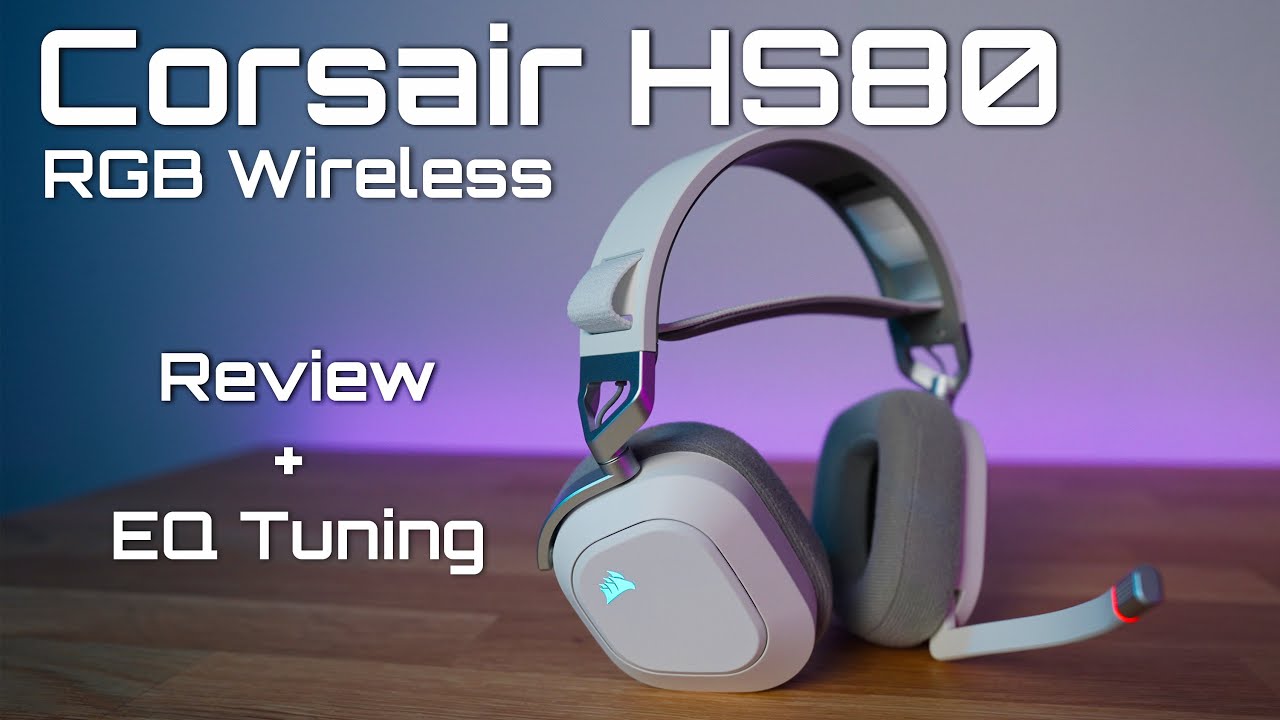
If you’re after a wireless gaming headset that combines comfort, good sound, and a microphone you can actually rely on, the Corsair HS80 RGB Wireless makes a compelling case — especially for PC and PlayStation gamers. It isn’t perfect, but it’s got lots of qualities that make it worth considering in its mid-range price bracket.
Comfort & Build — Easy to Wear for Long Sessions

From the moment you put the HS80 on, it feels like Corsair prioritized comfort. The headset uses a ski-band suspension headband and breathable fabric ear cups, which helps reduce fatigue during marathon gaming sessions or long Zoom calls. It’s light enough to wear for hours without that tight squeeze around your head.
There’s also a warm, solid build to it — no rattly plastics or flimsy parts — and the overall look is understated rather than flashy, even though it does support customizable RGB lighting if you want to add a bit of flair.
Sound Quality — Good Out of the Box, Better With Tuning
Audio performance on the HS80 is generally solid for gaming and media, though it leans a bit towards a warmer sound signature rather than flat, ultra-accurate output. This means explosions and effects sound full, but it isn’t the deepest or most detailed headphone experience you’ll find without some tweaking.
That said, one of the strengths of this headset is the ability to tweak its sound using Corsair’s iCUE software and onboard EQ presets. That means you can shape the sound to suit your games or media instead of being stuck with whatever default profile you get.
Microphone — A Standout Feature
Where the HS80 really shines is its broadcast-grade mic. Many gaming headsets in this tier have mediocre voice quality, but the HS80’s microphone delivers clear and natural-sounding voice capture that’s especially useful in team chats and online games. The boom mic is fixed rather than detachable, but it flips up to mute intuitively.
This mic quality sets it apart from some competitors that might have strong audio but weak voice performance.
Wireless Performance & Battery Life — Decent, Not Best-In-Class
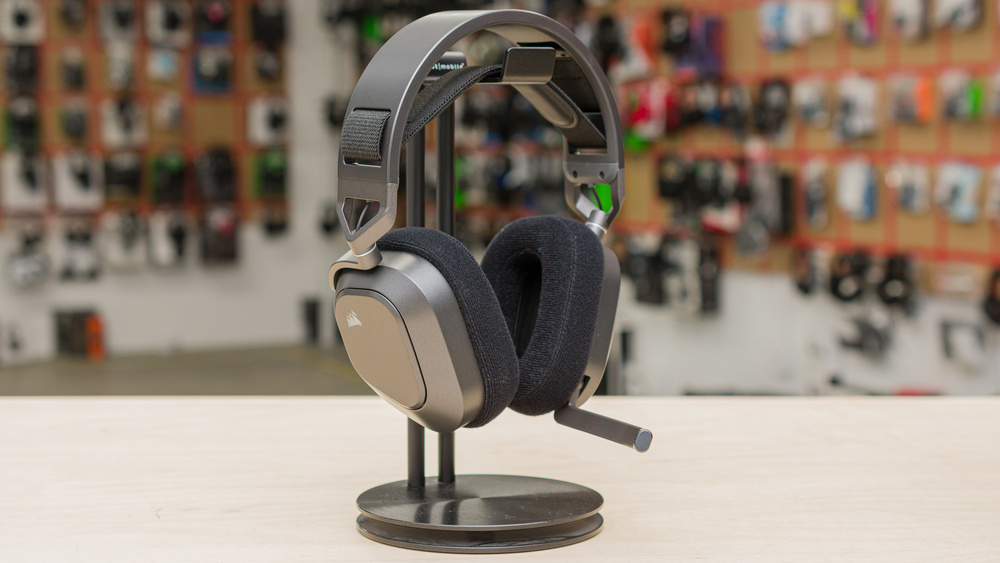
Wireless connection is handled through a USB-C dongle, which gives low-latency audio on PC and PlayStation consoles. That’s perfect for gaming where timing matters. However, the battery life is somewhat modest. While Corsair suggests longer runtimes on paper, real-world tests indicate you’re more likely to get around 12–13 hours before needing a recharge — fine for a day of gaming, but short of some rivals’ figures.
You can also use the HS80 in wired USB-C mode if you want to save battery or use it on the go, but it doesn’t support Bluetooth, and it won’t pair directly with most mobile devices or Xbox consoles without adapters.
Noise Isolation & Controls
Don’t buy this headset expecting magic noise isolation — it’s passive at best, meaning it won’t block out loud ambient noise the way ANC headphones do. That’s typical for many gaming headsets, but it’s still worth knowing upfront.
On the bright side, controls are simple and effective: volume dial and power button on the ear cup, with easy muting by flipping up the mic. There aren’t dedicated music playback buttons, so you’ll still have to control tracks from your device.
Pros
- Comfortable ergonomic design for long gaming sessions.
- Very good broadcast-quality microphone for voice communication.
- Customizable audio via iCUE and EQ presets.
- Reliable wireless performance with low latency.
Cons
- Battery life is decent but not market-leading.
- Lacks Bluetooth and broad device compatibility.
- No active noise cancellation.
- Sound can feel inconsistent without EQ tweaks.
The Corsair HS80 RGB Wireless is one of those headsets that feels like it’s well-rounded without being perfect. Its comfortable fit and excellent mic make it especially appealing for gamers who communicate frequently or work from home and need clear voice quality. The sound performance and wireless convenience are solid — and become even stronger if you’re willing to spend a few minutes adjusting EQ settings.