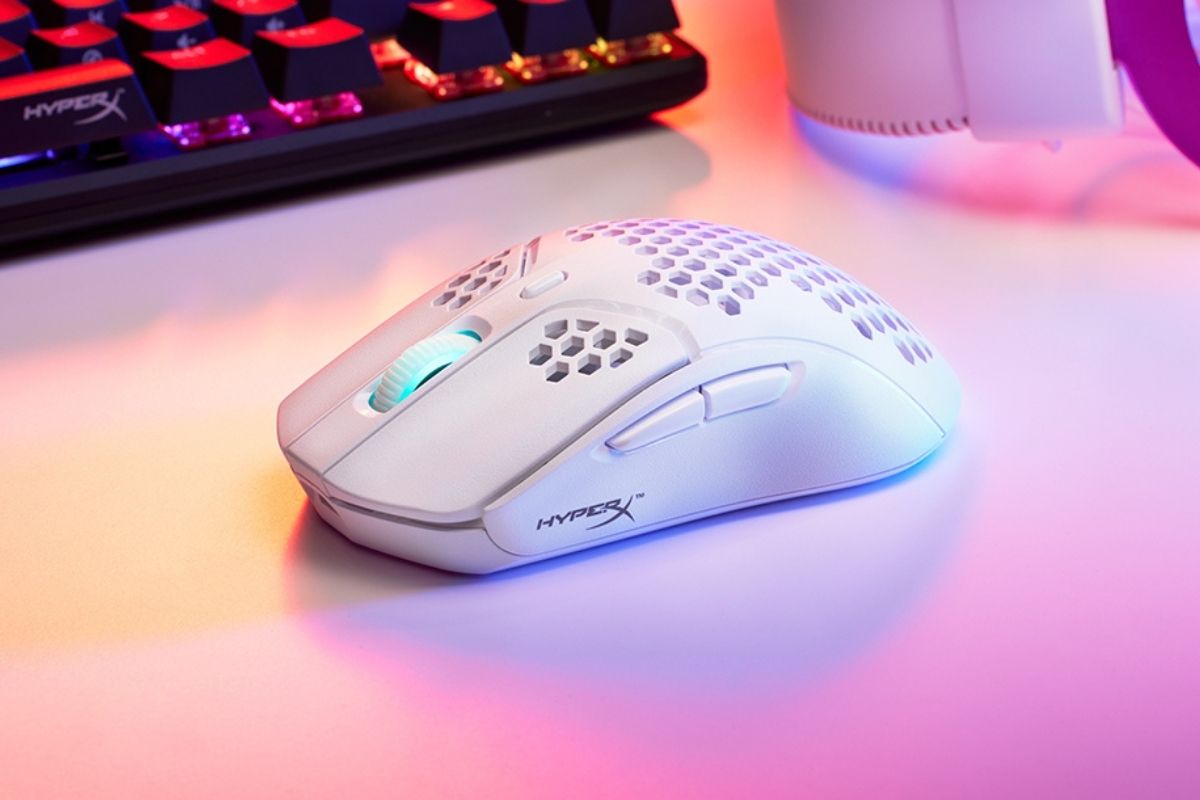
HyperX mice are part of a broader lineup of gaming accessories that aim to give players an edge in performance, comfort, and precision — whether you’re chasing headshots in an FPS, managing high-speed movements in MOBAs, or just want a fluid everyday gaming experience. This guide breaks down what to look for and highlights some standout HyperX setups you might consider.
Why Your Gaming Mouse Matters
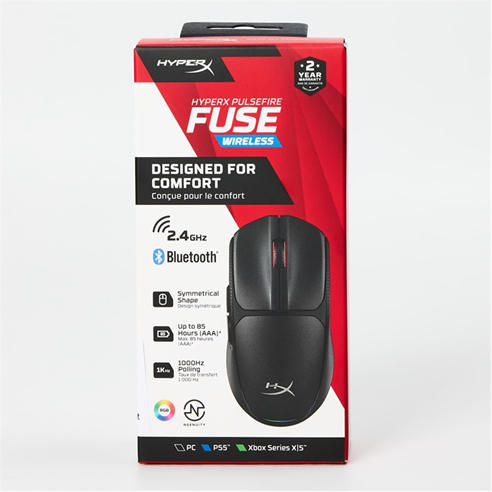
A gaming mouse isn’t just a pointing device — it’s the extension of your reflexes. Better sensors, adjustable sensitivity (DPI), faster polling rates, and programmable buttons can make a real difference in responsiveness and control. The right mouse adapts to your grip style and the types of games you play.
What to Consider When Choosing a HyperX Mouse
1. Performance & Precision
Look for mice with high-resolution sensors and fast polling rates (how often the mouse reports movement to your PC). Competitive players often prefer high polling rates (like 4,000 Hz) for fluid tracking and ultra-low latency. Models like the HyperX Pulsefire Haste 2 Pro deliver this level of precision and responsiveness.
2. Battery Life & Wireless Tech
If you game for hours at a time, battery life and connectivity are key. Some HyperX wireless mice, such as the Pulsefire Haste 2 S, can run for more than 100 hours on a single charge thanks to efficient power management. Dual-mode connectivity (2.4 GHz + Bluetooth) also lets you switch smoothly between gaming and everyday use. HP
3. Comfort & Ergonomics
Comfort depends on your grip style (palm, claw, fingertip) and hand size. HyperX mice tend to be lightweight and well-balanced, making them suitable for long sessions without strain. Choosing a design that feels natural in your hand helps reduce fatigue and improves control.
4. Connectivity Options
Wireless models with 2.4 GHz wireless adapters offer near-wired performance with freedom of movement. Bluetooth adds flexibility for multi-device use. HP even supports Instant Pair technology on compatible systems (like select HP OMEN laptops), which connects your HyperX mouse instantly without needing a USB dongle.
Popular HyperX Gaming Mice to Know
Here are some widely recommended options across different needs:
HyperX Pulsefire Haste Series
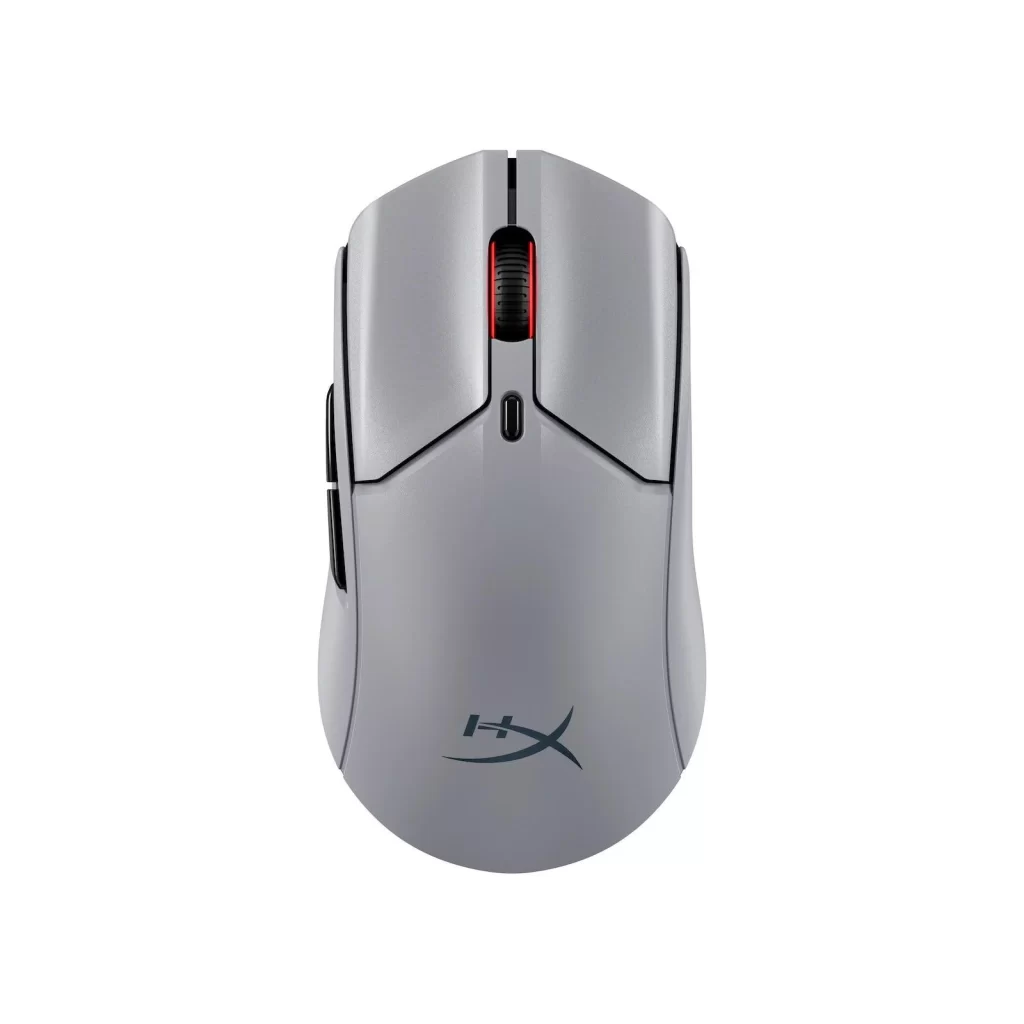
- Haste 2 Pro: Designed for competitive gamers with ultra-high polling rates and responsive optical switches.
- Haste 2 S: Excellent battery life for long sessions, with dual wireless support.
- Haste 2 / Haste 2 Mini: Lightweight and fast, ideal for FPS and esports action.
HyperX Pulsefire Core
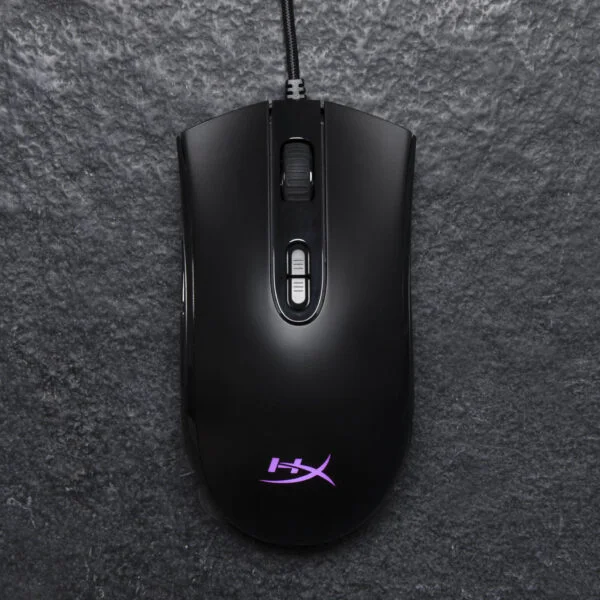
- Great entry-level option with reliable performance and customizable RGB lighting — perfect if you’re upgrading from a standard mouse.
HyperX Pulsefire Dart
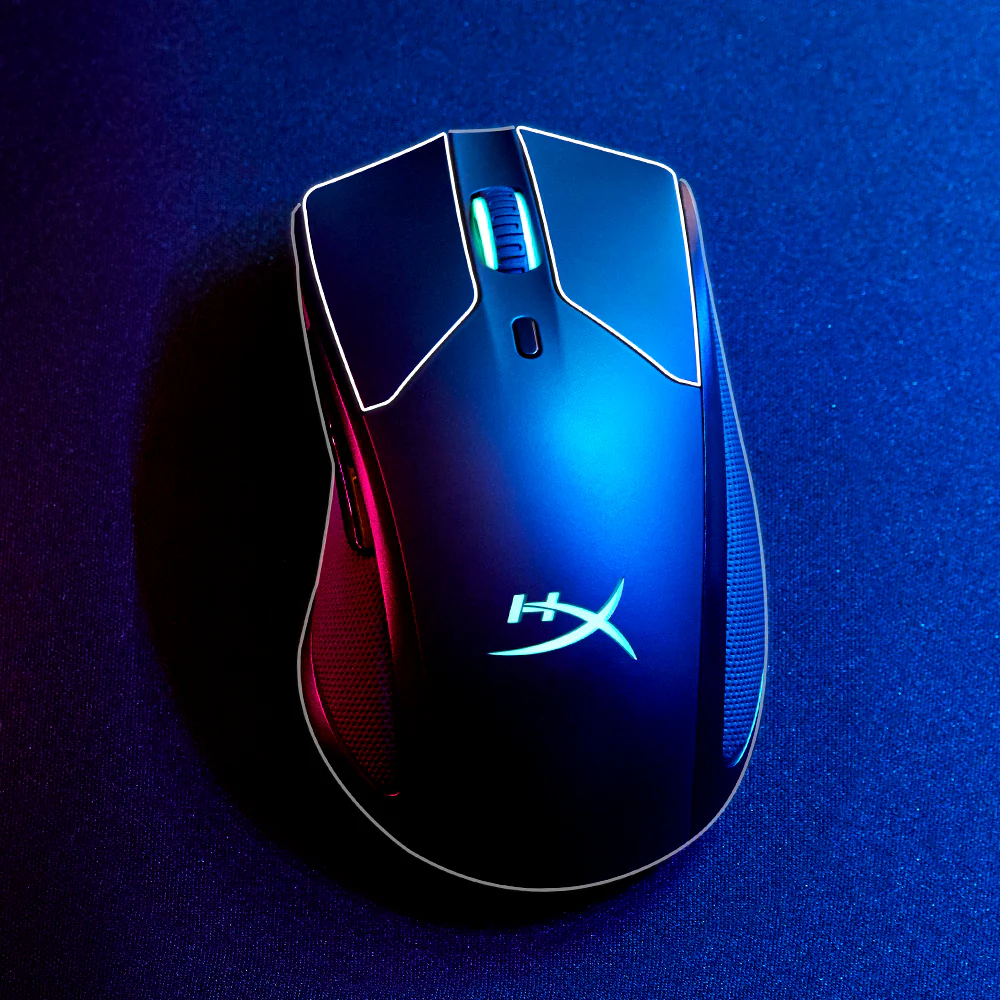
- Wireless with Qi charging support, so you can top up power without plugging in if you have a compatible pad.
Tips for Getting the Most Out of Your HyperX Mouse
- Adjust DPI and polling rates through HyperX’s software to match your game genre and playstyle. Lower DPI is often better for precise aim in FPS games, while higher DPI can help with fast camera movement in larger maps.
- Use dual-mode connectivity to switch between gaming and productivity setups without re-pairing. HP
- Pair your mouse with a good mouse pad (like the HyperX Pulsefire Mat) for smoother tracking and consistency.
HyperX gaming mice offer a strong balance of performance, comfort, and customization, making them suitable for beginners and competitive players alike. From long battery life and low-latency wireless tech to precision sensors and ergonomic designs, there’s a Pulsefire model to match nearly every gaming style and need. Whether you’re chasing global ranks or simply want a smoother PC gaming experience, picking the right HyperX mouse — and tuning it to your setup — can make every match feel sharper and more responsive.