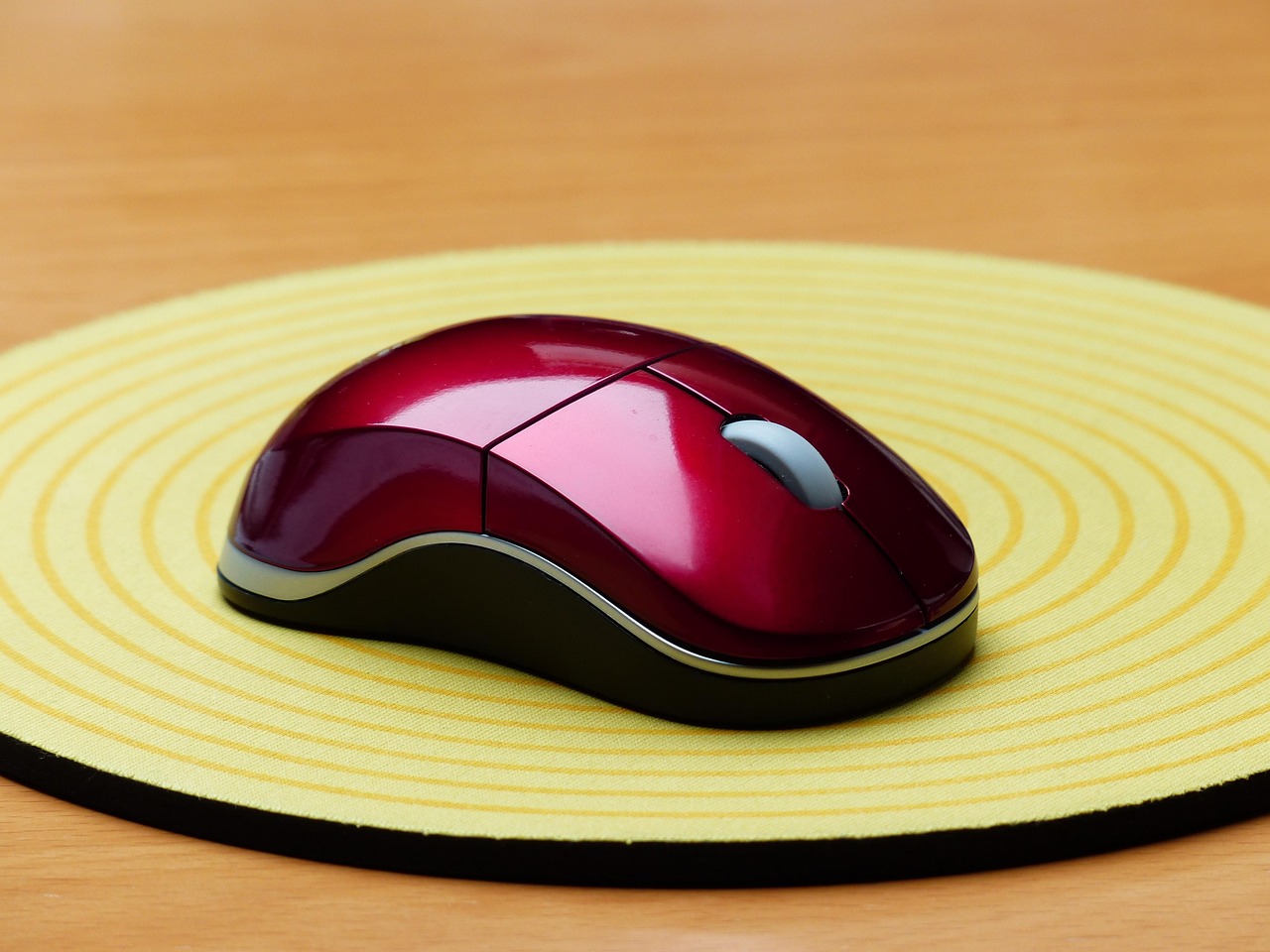
In gaming, every detail counts—and that includes your mouse pad. While a high-end GPU or ultra-fast monitor grabs attention, the right mouse pad can dramatically improve precision, speed, and comfort. Whether you’re competing in Mumbai’s esports tournaments, leveling up at a Bangalore gaming café, or enjoying the latest titles from your Delhi setup, selecting the best mouse pads tailored to your style can give you a real edge. This guide explores top options available in India, helping you find the perfect combination of durability, control, and comfort for your gameplay.
ALSO READ: Call of Duty: Black Ops 7 – Zombies Review
Why the Right Mouse/Pad Combo Matters
How Mouse Pads Influence Gaming

A good mouse pad can make a world of difference in how smoothly and accurately your cursor moves. Those with a non-slip rubber base keep your pad firmly in place, so you won’t have to deal with sudden slides in the heat of a game. Going for a larger pad or even a full desk mat gives your hand the freedom to move without restriction a real lifesaver in fast-paced matches. Some gamers even swear by wrist rests, which ease hand fatigue during marathon sessions, especially in India’s intense esports tournaments that can last for hours. At the end of the day, the mouse pad you pick doesn’t just affect comfort it can shape your precision, control, and overall gaming experience. Trying out different surfaces to see what feels right is definitely worth the effort.
Impact on Gaming Performance
Choosing the right mouse and mouse pad combo can seriously boost your precision, speed, and comfort while gaming. Quality peripherals reduce latency and improve tracking, which is especially important for fast-paced genres like first-person shooters (FPS) and multiplayer online battle arenas (MOBA) games that are rapidly gaining popularity among Indian gamers.
Common Misconceptions
Many people assume that any mouse and mouse pad will do for gaming but that’s not quite the case. While basic devices can work, gaming-specific mice and pads come with features designed to give you an edge. Elements like DPI, grip style, and surface material can make a noticeable difference, particularly when you’re competing in India’s expanding esports scene.
Understanding Gaming Mouse Basics
DPI and Sensitivity
DPI (dots per inch) controls how far your cursor moves in response to your mouse movements. Most gamers tweak their DPI depending on the type of game they’re playing:
- Low DPI (400–800): Perfect for precise aiming, especially in FPS games.
- High DPI (2000+): Suited for fast, sweeping movements in MOBA and RTS titles.
Many HP gaming accessories come with customizable DPI settings, letting you switch sensitivity on the fly for the perfect balance of speed and accuracy.
Types of Sensors
Gaming mice usually come with two main sensor types:
- Optical Sensors: Renowned for their accuracy and reliability, these are perfect for cloth mouse pads and competitive gaming.
- Laser Sensors: Versatile and able to work on a variety of surfaces, including hard and hybrid pads.
Weight Considerations
The weight of your mouse can make a noticeable difference in how you play:
- Lightweight Mice (60–80g): Perfect for fast, flicky movements in FPS games.
- Heavier Mice (90g+): Offer more stability, ideal for MMO and strategy games.
Many gaming mice also come with adjustable weight distribution, so you can fine-tune the feel to match your personal gaming style and preferences.
Wireless vs. Wired
When it comes to connectivity, gaming mice usually come in two options:
- Wireless: Gives you freedom of movement and a cleaner, clutter-free setup, though some competitive gamers worry about latency.
- Wired: Ensures the lowest possible latency and eliminates the need to recharge, making it a reliable choice for serious gameplay.
Gaming Mouse Grip Styles
Mouse grips play a big role in comfort and control:
- Palm Grip: Your whole palm rests on the mouse, giving maximum comfort and stability. Ideal for larger hands.
- Claw Grip: The palm lightly touches the mouse while your fingers curl over the buttons, striking a balance between control and speed.
- Fingertip Grip: Only your fingertips make contact, allowing for quick, precise movements—perfect for fast-paced games.
Choosing Based on Hand Size
Hand size plays a big role in choosing the right gaming mouse:
- Large Hands: Go for bigger mice with a contoured shape for better comfort and control.
- Medium Hands: Most mice will fit comfortably, giving you the flexibility to try different grip styles.
- Small Hands: Smaller, lightweight mice with a compact design are the best choice for agility and precision.
Game Genre Considerations
When selecting a gaming mouse, your choice should align with the type of games you play:
- FPS Games: Opt for high DPI, low latency, and lightweight designs to maximize accuracy and reaction speed.
- MOBA/RTS: Programmable buttons make it easy to execute abilities and hotkeys on the fly.
- MMO Gaming: Mice with multiple programmable buttons help manage complex skill rotations and macros.
- Battle Royale: A versatile mouse that balances speed and precision works best.
- Casual Gaming: Prioritize comfort and affordability, focusing on reliable, basic functionality.
Mousepad Essentials
Size Options
Mouse pads come in different sizes to suit your gaming setup:
- Standard: Perfect for most gaming setups commonly found in Indian homes.
- Extended: Offers extra space for broader, unrestricted hand movements.
- Full Desk: Covers your entire desk, giving you total freedom of motion during gameplay.
Surface Types
Mouse pad surfaces can greatly affect your gaming experience:
- Cloth: Offers a balanced mix of speed and control with textured surfaces for precision.
- Hard: Delivers maximum speed, though it can be less forgiving on delicate movements.
- Hybrid: Blends the fast glide of hard surfaces with the control and feedback of cloth.
Durability and Features
Mouse pad durability and comfort depend on a few key factors:
- Edge Stitching: Keeps your pad from fraying and extends its lifespan—especially useful given India’s varied climate.
- Thickness: Thicker pads provide extra cushioning for long sessions, while thinner pads allow for smoother glide and faster movements.
Finding your Perfect Match
Mouse and Pad Compatibility
Pairing a high-DPI mouse with a textured cloth pad can greatly improve control and precision. On the other hand, hard surfaces tend to perform best with low-DPI settings, allowing for quicker, more fluid movements.
Durability and Price-Performance Ratio
High-quality mouse pads stay reliable even after long hours of use. HP provides budget-friendly options that don’t compromise on durability or performance, making them perfect for value-conscious Indian gamers.
Speed vs. Control
Speed vs. control is an important consideration when choosing a mouse pad:
- Speed: Hard surfaces reduce friction, allowing for quicker, smoother movements.
- Control: Cloth pads provide better precision and accuracy, ideal for fine-tuned gameplay.
Price-Performance Ratio
While many brands offer premium mouse pads, HP’s more affordable options deliver excellent value without compromising quality—a key factor for budget-conscious gamers in India.
Game-Specific Suggestions
When matching mouse pads and gaming mice to your favorite genres:
- FPS Games: Go for lightweight mice with adjustable DPI, such as the HyperX Pulsefire Core Gaming Mouse, and pair them with a medium-sized hard pad for faster, precise aiming.
- MOBA/RTS: High-DPI mice with programmable buttons work best on large cloth pads, giving you plenty of space for sweeping movements.
- MMO Gaming: Multi-button mice combined with extended surfaces help manage complex skill rotations and wide-ranging motions.
- Battle Royale: High-precision mice with comfortable grips paired with hybrid pads offer versatility for different gameplay situations.
Maintenance and Care
Cleaning Tips
Cleaning your gaming setup is simple but important:
- Mouse: Wipe down with a microfiber cloth and a bit of isopropyl alcohol to remove dirt and grime.
- Mouse Pad: For cloth pads, gently wash with soap and water, but avoid soaking hard pads. In India’s humid climate, make sure everything is completely dry before using it again to maintain performance and longevity.
Storage Tips
Store your mouse and mouse pad in a dust-free area to prevent debris buildup—especially crucial in urban Indian environments, where dust can accumulate quickly and affect performance.
Longevity Factors
Regular maintenance can extend the life of your gaming gear. Choosing products with warranties, like those offered in HP’s lineup, provides extra peace of mind.
When to Replace
Replace your mouse pad once you see signs of wear, like frayed edges or uneven surfaces. Similarly, it’s time to upgrade your gaming mouse when buttons feel less responsive or tracking starts to falter.
Troubleshooting Common Issues
Tracking Issues: Make sure your mouse sensor is clean and free from dust or debris that could interfere with movement.
Surface Wear: If your mouse pad shows signs of wear, consider switching to more durable options, like hard pads, for longer-lasting use.
Sensor Problems: Keeping your mouse firmware updated ensures optimal performance.
Maintenance Tips: Keep spare parts and cleaning kits handy so you can quickly fix issues during critical gaming sessions or tournaments.
Product Recommendations
Emerging Trends in Gaming Accessories
Gaming accessories are evolving rapidly, and wireless gaming mice are becoming increasingly popular thanks to lower latency and the freedom of a cable-free setup. Modern DPI settings now allow for fine micro-adjustments, catering to different play styles and game genres. Ergonomic enhancements, like thumb grips and built-in wrist support, are quickly becoming standard features to boost comfort during long sessions. On top of that, customizable RGB lighting lets players personalize every zone, matching their setup and style. These trends not only improve comfort, performance, and aesthetics, but also help gamers choose the best gaming mice and keyboards suited to their individual needs.
Gaming Mice by Category
Best Mid-Range Gaming Mouse