The market is flooded with cheap Nintendo Switch controllers, and let’s be honest: most of them are junk. Finding one that offers good value without sacrificing performance is a challenge.
Enter the Binbok Gemini, a controller that promises Pro-level features—including Hall Effect joysticks and RGB lighting—for a wallet-friendly price of $39.99.
Is it a hidden gem or just another cheap knockoff? We put it to the test to see how it stacks up against the official Nintendo Switch Pro Controller.
The Aesthetic: Retro “MadCatz” Vibes
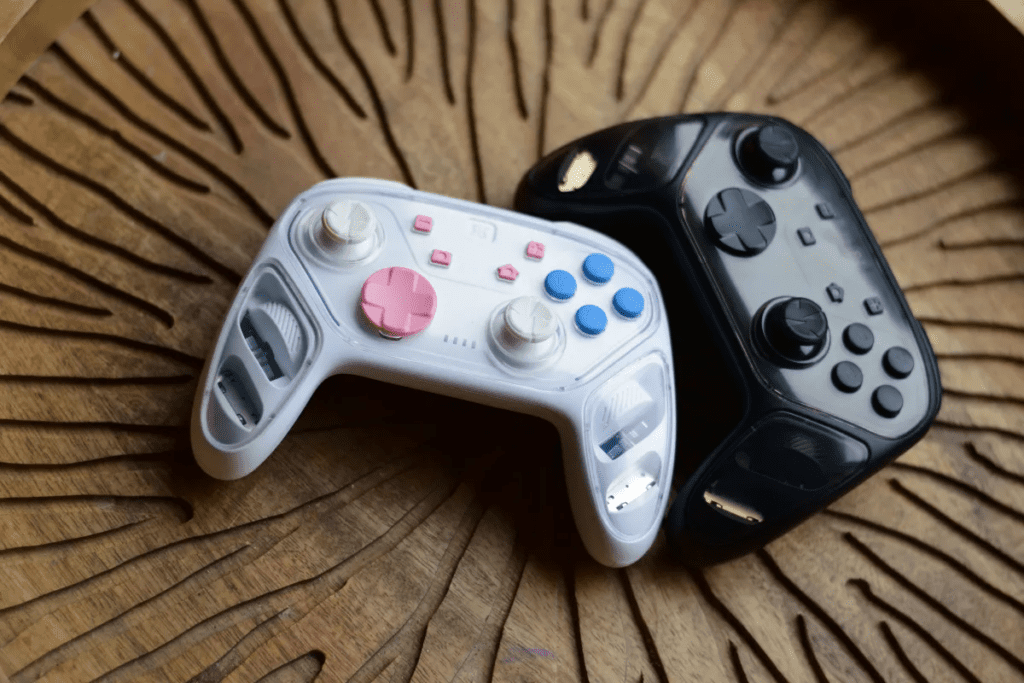
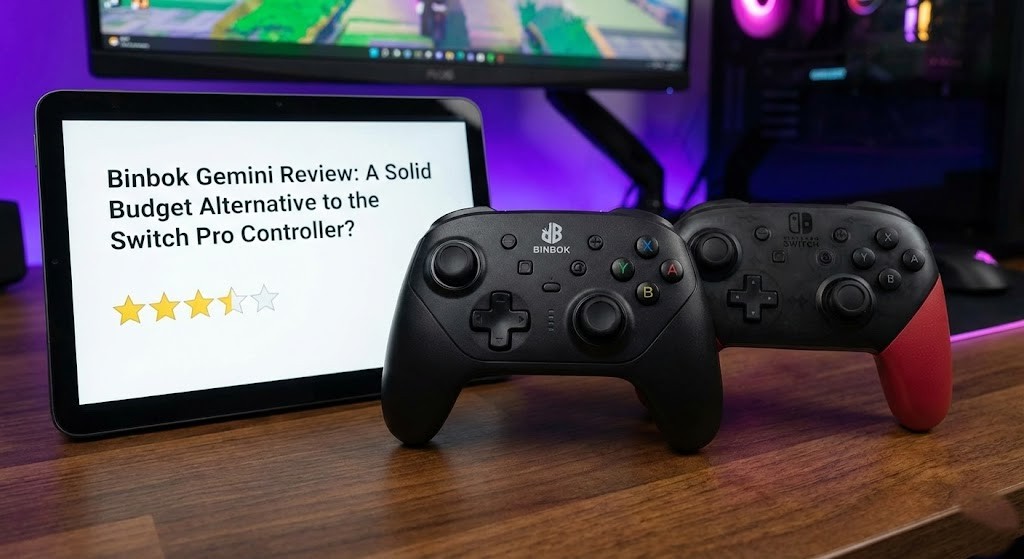
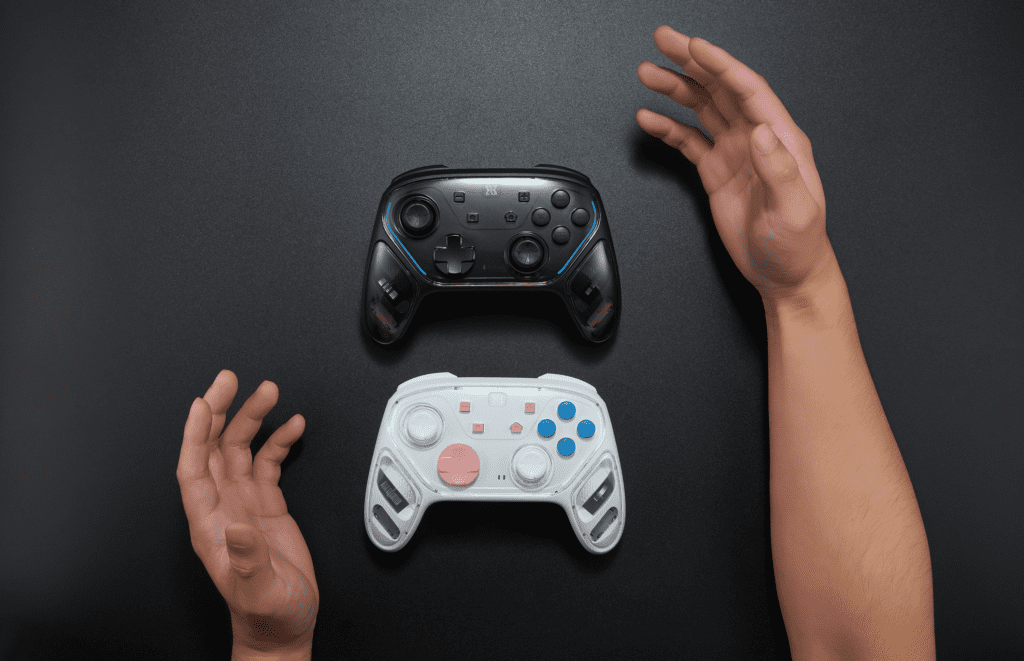
The first thing you will notice is the design. Available in Black or White, the Gemini features a transparent shell that lets you see the internal circuitry.
- The Look: It gives off a distinct “MadCatz” energy—nostalgic for some, perhaps a bit toy-like for others.
- RGB Lighting: It features strong LED lights with customizable breathing modes. If you aren’t a fan of the light show, you can turn them off entirely.
Comfort & Build Quality
If you love the official Pro Controller, you will feel right at home here. The Gemini is heavily based on that iconic shape, with slightly more flared handles.
- The Feel: It has a similar weight and heft to the official Pro Controller, making it surprisingly comfortable for long sessions.
- The Buttons: While they lack the premium “click” of the official pad, they are solid enough. The D-pad is clicky, reminiscent of an Xbox controller.
The Killer Feature: Hall Effect Joysticks
The standout feature of the Gemini—especially at this price point—is the use of Hall Effect joysticks. Unlike traditional sticks that use physical contact (and eventually wear down causing “drift”), Hall Effect sticks use magnets. This means they are:
- More Durable: Far less likely to develop stick drift.
- Smoother: They offer precise movement without dead zones.
Extra Features: Macros & Turbo
For the power users, the Gemini packs a few tricks the official controller lacks:
- Rear Buttons: Two programmable buttons on the back sit perfectly under your middle fingers. You can record up to 21 inputs, making them great for complex combos in games like Helldivers 2.
- Turbo Mode: Allows for rapid-fire button presses (great for shooters, risky for fighting games). Warning: The Turbo button is sensitive and easy to hit by accident!
The Drawbacks
It’s not all perfect. Here is where the budget price shows:
- No Amiibo Support: You cannot scan Amiibos with this controller.
- Vibration: While it has rumble, the secondary vibration mode is a high-pitched buzz that can be annoying.
- PC Quirks: Windows detects it as a Switch Pro Controller, which can sometimes confuse button layouts.
The Verdict: 4/5
Binbok Gemini is an impressive controller for the money. While the official Pro Controller still reigns supreme in build quality and gyro accuracy, the Gemini is a fantastic alternative, rivaling options from competitors like 8BitDo. If you need a second controller for multiplayer or want Hall Effect sticks without breaking the bank, this is a solid buy.
Pros:
- Great price ($39.99)
- Drift-free Hall Effect sticks
- Comfortable, familiar ergonomics
- Programmable back buttons
Cons:
- Buttons feel slightly cheaper than official hardware
- Turbo button is easy to accidentally press
- No NFC (Amiibo) support
Also Read : Escape From Ever After Review: The Best ‘Paper Mario’ Game Not Made by Nintendo?