
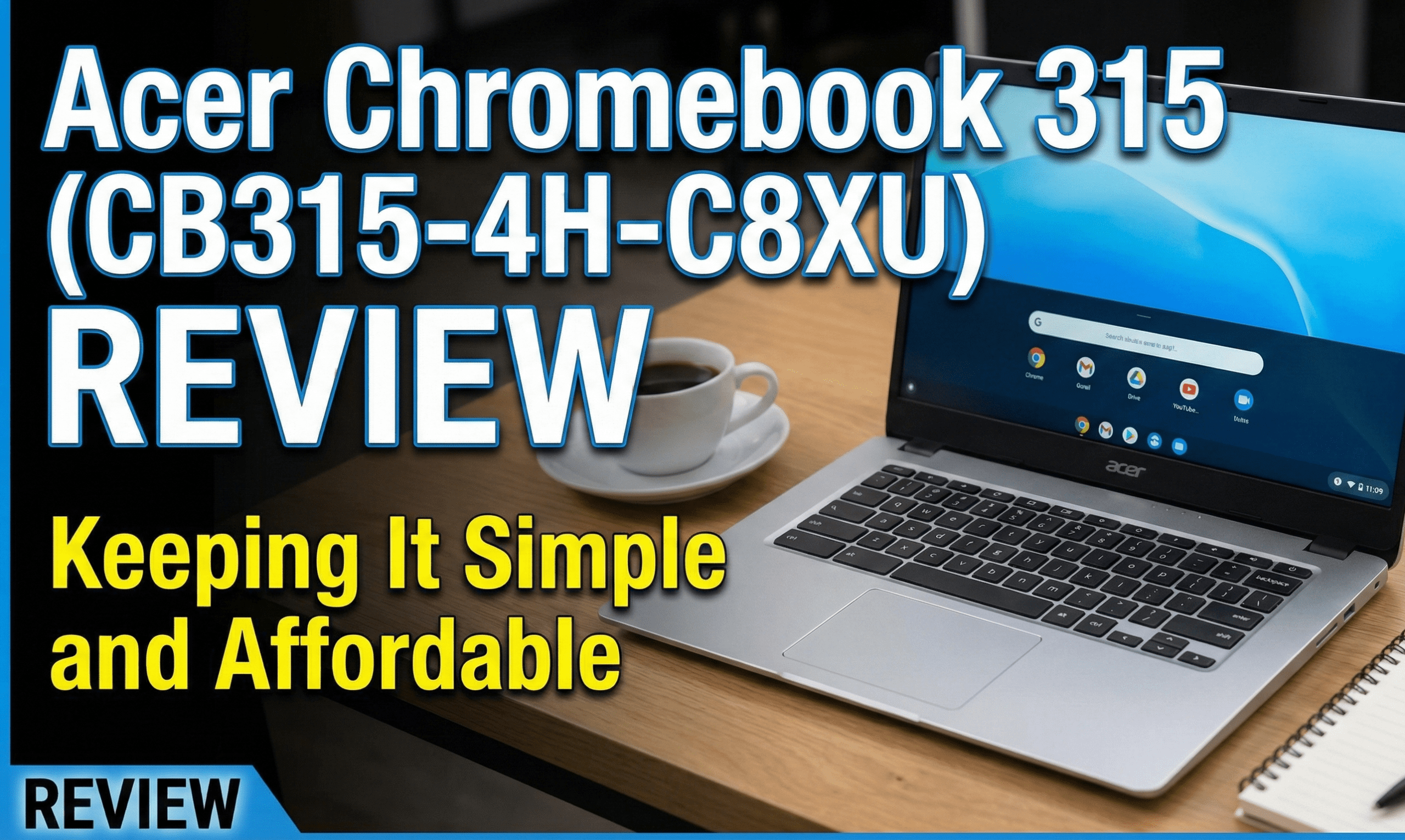
Looking for a cheap laptop for college or basic daily use? Look no further than the Acer Chromebook 315.
This model (CB315-4H-C8XU) keeps popping up on price comparison sites for a reason. With a price tag often sitting under $200, it delivers a large Full HD screen and fantastic battery life. But is it actually better than competing budget laptops? Let’s find out.
The Bottom Line
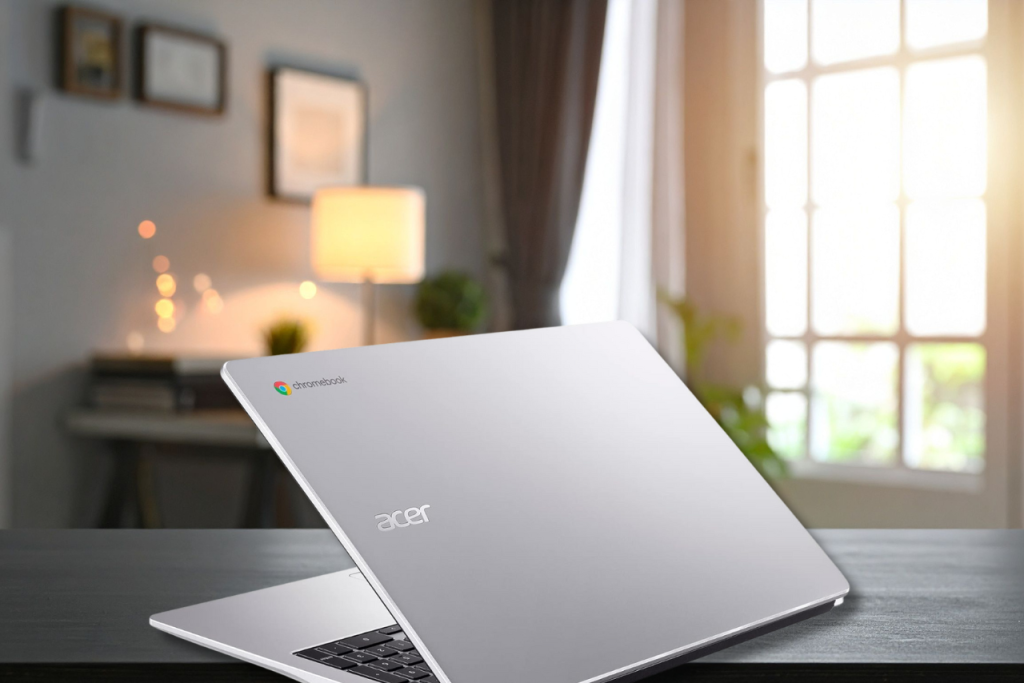
The Acer Chromebook 315 delivers a lot at a very low price. It is one of the best budget Chromebooks you can buy today, offering a big screen and all-day battery life for students and casual users.
Specs at a Glance
| Feature | Specification |
| Processor | Intel Celeron N4500 |
| RAM | 4GB |
| Storage | 64GB Flash Storage |
| Display | 15.6-inch Full HD (1920 x 1080) |
| Connectivity | Wi-Fi 6, Bluetooth 5.1 |
| Weight | 3.53 lbs (1.6 kg) |
Performance: Good for Everyday Use
The Acer Chromebook 315 is designed for simple tasks, and it does a fine job. Powered by an Intel Celeron N4500 processor and 4GB of RAM, this isn’t a powerhouse for video editing or gaming. However, for writing documents, browsing the web, and streaming Netflix, it handles everything without struggling.
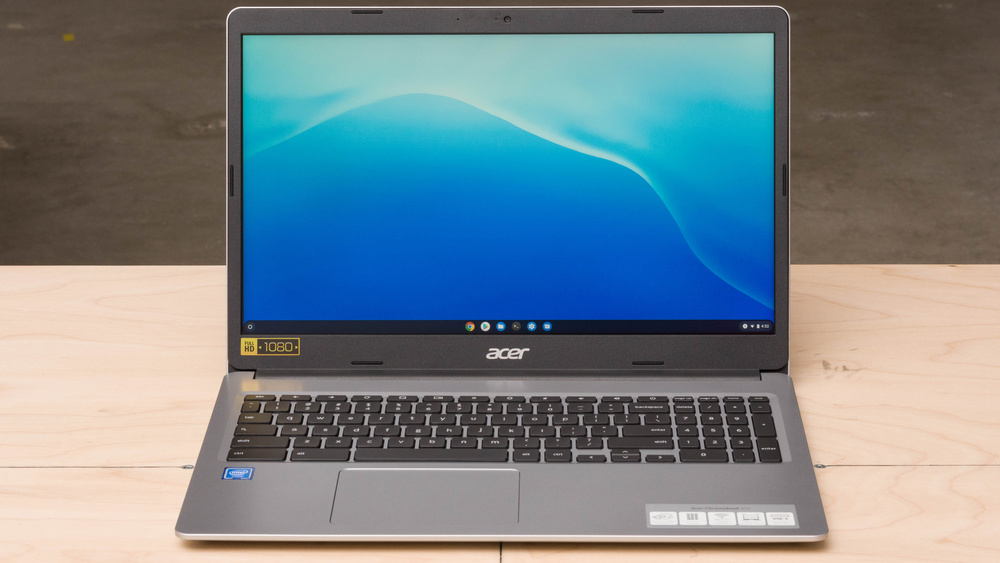
The standout feature here is the 15.6-inch Full HD screen. Unlike many budget laptops that use low-resolution displays, this panel is sharp and roomy. It provides plenty of legroom for multitasking between maps, images, and documents.
Design: Comfortable and Portable
At first glance, the Chromebook 315 looks premium. It features a metallic silver finish that mimics aluminum, though the chassis is actually all-plastic.
While it feels nice in the hand, it is slightly heavier than some competitors like the Acer Chromebook Spin 713. Weighing in at 3.53 pounds, it has a bit of bulk. Nevertheless, it remains portable enough to stash in a backpack for the daily commute.
Battery Life: A Real Winner
Simply put, the battery life is excellent. In our tests with brightness set at 50%, the Acer Chromebook 315 lasted a total of 13.5 hours.
That represents roughly two full working days of juice. Whether you are typing away at college assignments or binging YouTube videos, this laptop has you covered. Plus, the USB-C charging is efficient, bringing you back to full capacity in about two hours.
Pros and Cons
| Pros | Cons |
| ✅ Very affordable (Sub-$200) | ❌ Basic keyboard |
| ✅ Large 1080p Screen | ❌ Screen brightness could be better |
| ✅ Excellent Battery Life (13+ hours) | ❌ Heavier than some premium rivals |
Conclusion
The Acer Chromebook 315 (CB315-4H-C8XU) is a steal for a 15.6-inch laptop. While it has the limitations of Chrome OS and a basic plastic build, it excels where it counts: screen real estate and battery longevity. If you need a simple machine for school or home browsing, this is a solid investment that won’t break the bank.
Also Read : 6 Gaming Monitors of 2025 That Make Your Games Shine