
There is no doubt that DOSBox is a powerful emulator. It works brilliantly for most people. However, if you want to hear an actual hardware synthesizer play music in real-time, or boot into a native MS-DOS prompt without a software layer in between, you need the original hardware.
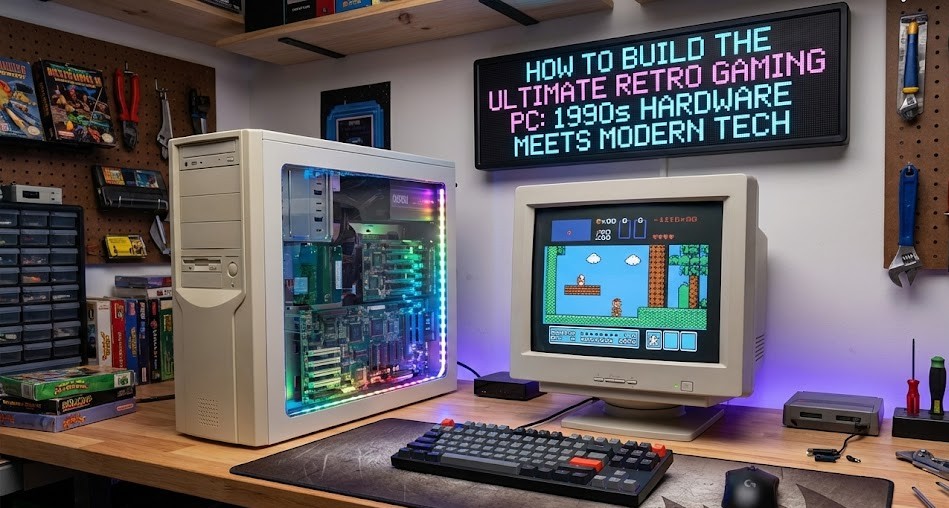
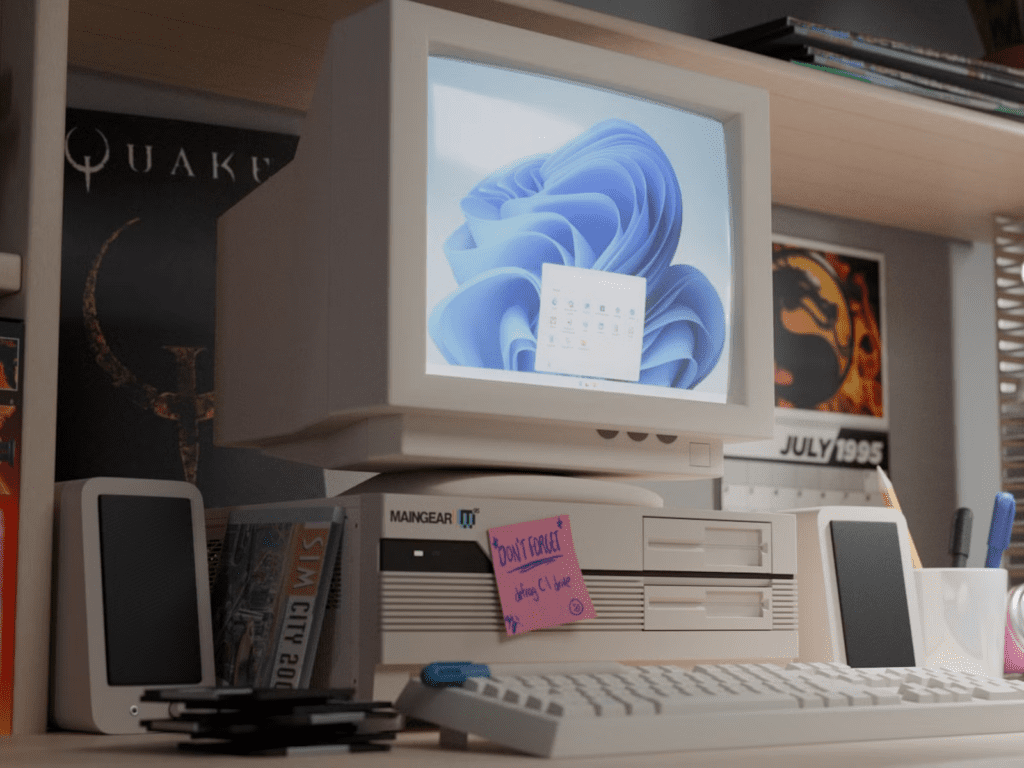
In this guide, we show you how to build the ultimate retro gaming machine. The secret? Mixing the authentic soul of a 1990s PC with the reliability of modern components. We are talking about a Pentium MMX processor and Sound Blaster 16 running inside a sleek modern case with a reliable power supply and solid-state storage.
Here is how to build a bridge between 1995 and today.
The Strategy: Old Brains, New Body
The goal is to avoid the headaches of the 90s (unreliable hard drives, sharp metal cases, dangerous power supplies) while keeping the benefits (perfect hardware compatibility).
1. The Motherboard: The Critical Foundation
You need a motherboard that bridges two eras. Look for a Socket 7 board with the ATX form factor.
- Why ATX? Unlike the older “AT” standard, ATX boards fit into modern PC cases and use modern power connectors.
- The Golden Rule: It must have 16-bit ISA slots (the long black ones). PCI sound cards from the late 90s often lack the proper hardware synthesizers for DOS games. You need ISA for that authentic Doom soundtrack.
2. The Engine: CPU and Graphics
- CPU: An Intel Pentium MMX (166MHz) or an AMD K6. These are cheap, widely available, and powerful enough for almost any DOS game without being too fast for older titles.
- Graphics: A simple PCI graphics card with 1MB of memory (like a Cirrus Logic 5446) is perfect. It provides crisp 2D scaling and compatibility with Windows 3.1 if you want to dabble in early GUIs.
3. Audio: The Heart of Retro Gaming
This is why we build the machine. A Creative Sound Blaster 16 is the gold standard. It offers FM synthesis for music and authentic 8-bit sampled sound for effects.
- Pro Tip: If you want to get fancy, look for a card with a “Wavetable” header to add a daughterboard for even richer MIDI music.
The Modern Upgrades
Here is where we cheat a little to make the system better than it ever was in 1995.
Storage: The “Retro SSD”
Old mechanical hard drives are loud and prone to failure. instead, we use a CompactFlash (CF) card with an IDE adapter.
- It acts exactly like a hard drive but has no moving parts.
- It allows you to easily transfer game files from your modern PC using a simple USB card reader.
Power and Case
We used a Corsair CX450M power supply. Modern PSUs are safer and more efficient. You just need a cheap adapter to convert the modern 24-pin connector to the older 20-pin standard, and a few Molex-to-Floppy power adapters.
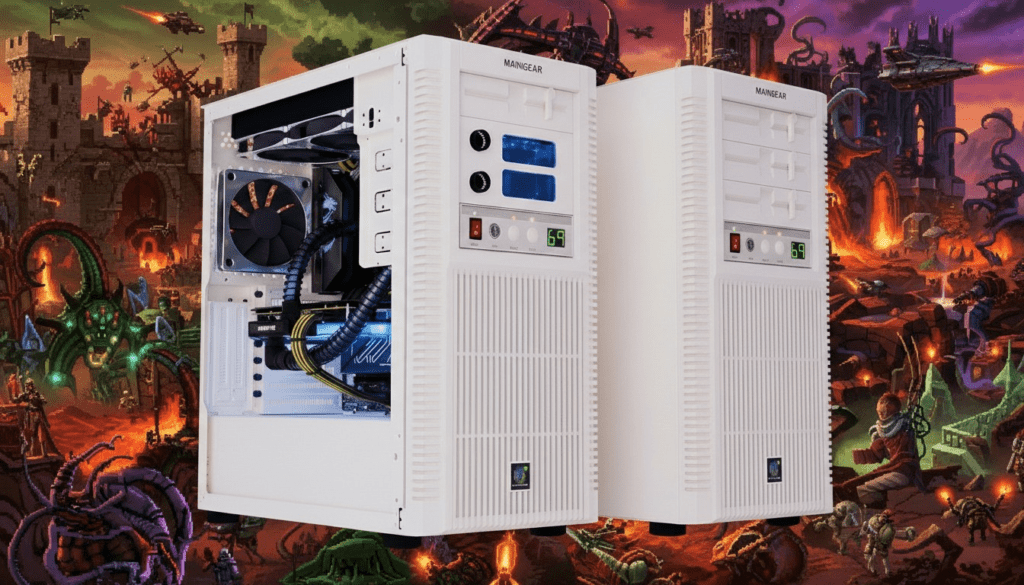
For the case, any modern ATX chassis with 5.25-inch drive bays will do. You still need those bays for a CD-ROM drive and a 3.5-inch floppy drive (for that satisfying click-clack sound when booting).
The Build Challenges
Building a retro PC is different from snapping together a modern LEGO-like PC.
- Jumpers and DIP Switches: Before you even install the CPU, you must manually set voltage and clock speeds using physical switches on the motherboard. Consult your manual!
- Master/Slave Drives: IDE drives don’t just plug and play. You have to move a tiny jumper on the back of the drive to tell the system which one is the “Master” (boot drive) and which is the “Slave.”
Verdict
Building a retro PC is a journey into history. It teaches you how computers used to work and rewards you with a gaming experience that emulation just can’t quite match. When you hear that floppy drive seek and the Sound Blaster chime, you’ll know it was worth it.
Also Read : 20 Best Online Games to Play in 2025: Top Multiplayer Picks