
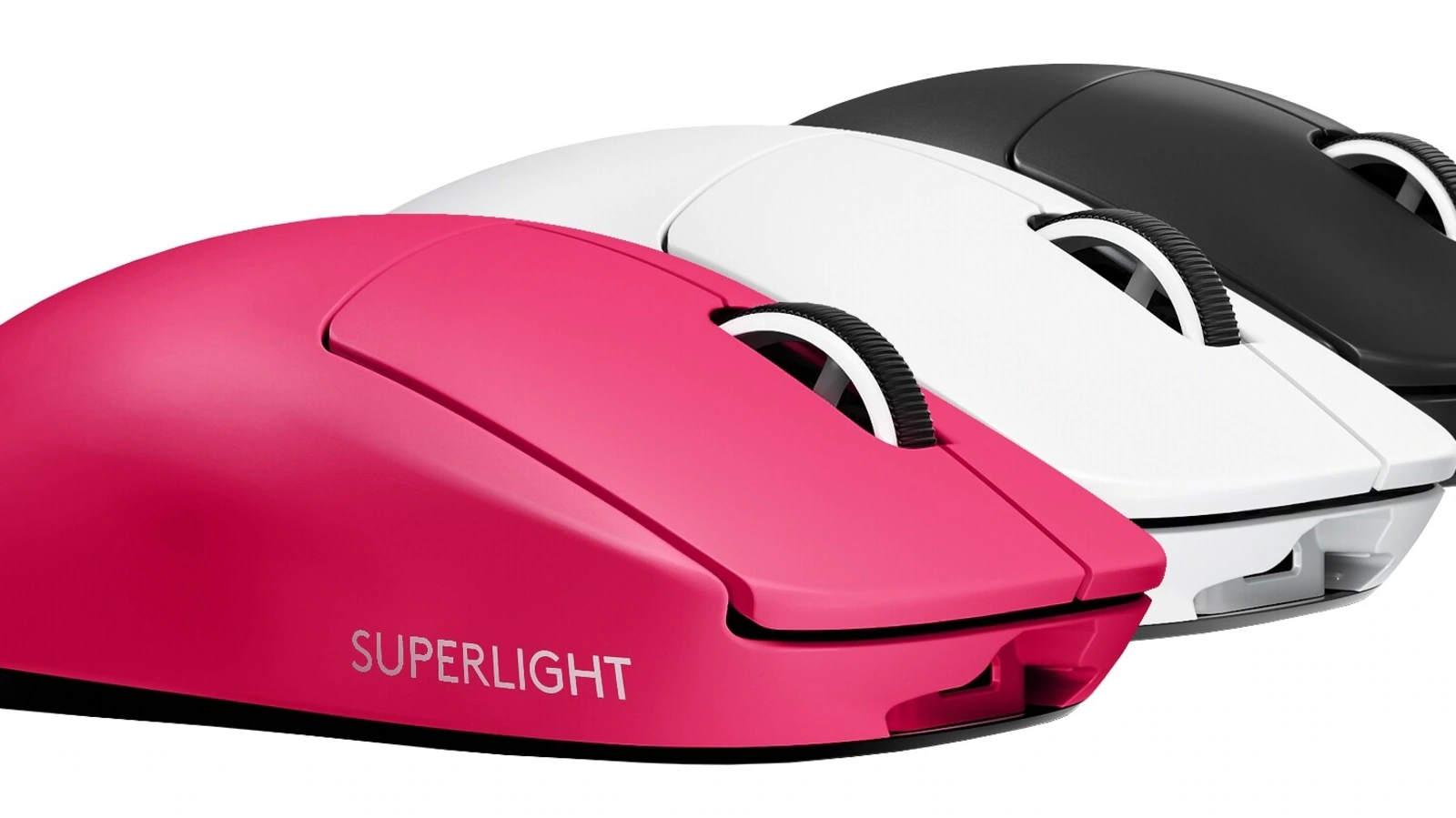
The Logitech G PRO X Superlight isn’t just another wireless mouse — it’s a statement piece designed for serious gamers who want the closest thing to a perfect, feather-light pointer. Logitech took everything players loved about its acclaimed PRO Wireless shape, stripped out the extras, and delivered something much lighter and performance-focused.
Featherweight Design
Weighing in at under 63 g, the Superlight lives up to its name. At first glance, you’d swear it’s missing parts — that’s how light it feels when you pick it up. But that minimal weight doesn’t come from hollowing-out holes or sacrificing build quality. It’s just an expertly engineered mouse that barely resists when you flick it around, letting you move fast and fine-tune tiny adjustments without effort.
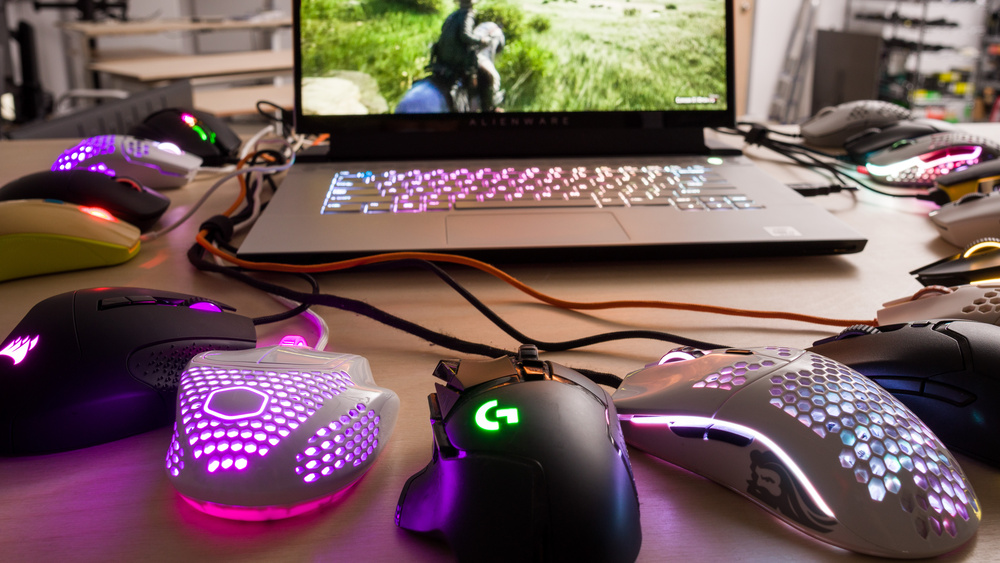
Unlike many ultra-light mice that use honeycomb shells, Logitech kept a solid body here, and the ergonomic contour stays comfortable whether you use a palm, claw, or fingertip grip. It’s roughly the same shape as the older PRO Wireless, but that lighter weight makes longer sessions noticeably easier on your wrist and forearm.
Performance That Counts
Under the hood, the Superlight packs Logitech’s HERO sensor — a pro-grade optical sensor capable of up to 25,600 DPI with zero filtering, smoothing, or acceleration. That translates to truly accurate tracking whether you’re lining up a 180° flick or tracking an airborne target.
The Lightspeed wireless connection is rock-solid and low-latency — plenty fast enough that you won’t feel held back compared to wired mice. The dongle plugs into your PC and stays out of the way, and if you prefer a wired session you can use the included cable without hassle.
Battery Life & Practical Features
Logitech says the Superlight can run up to about 70 hours per charge, and real-world use tends to back that up. That’s excellent for a wireless gaming mouse, meaning you can game for days before needing to plug in again.
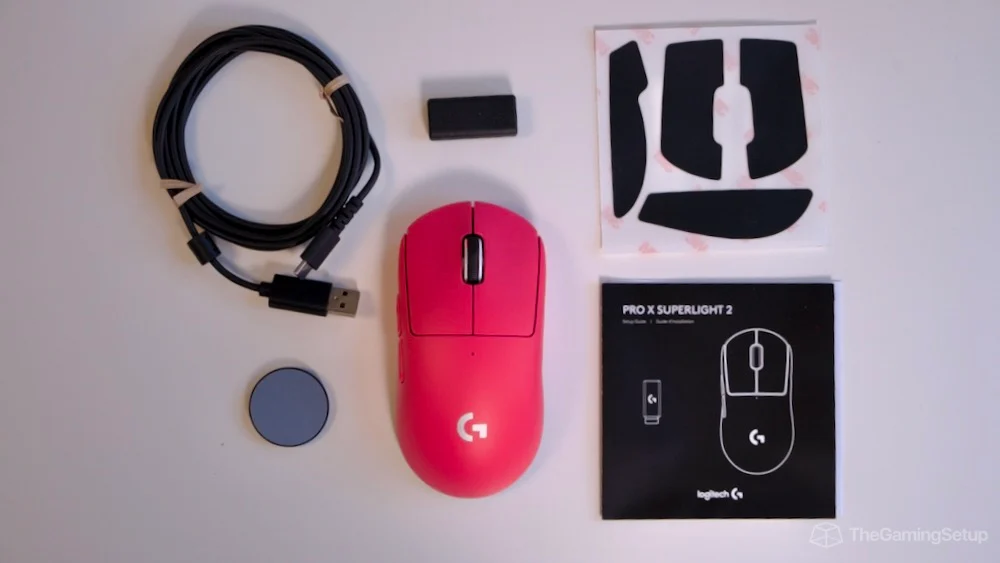
The mouse comes with quality extras — like grippy tape you can apply for extra traction, optional PTFE feet for ultra-smooth glide, and a dongle extension cable to help with crowded USB ports. For competitive play, those small touches make a big difference.
Clean, Minimalist Focus
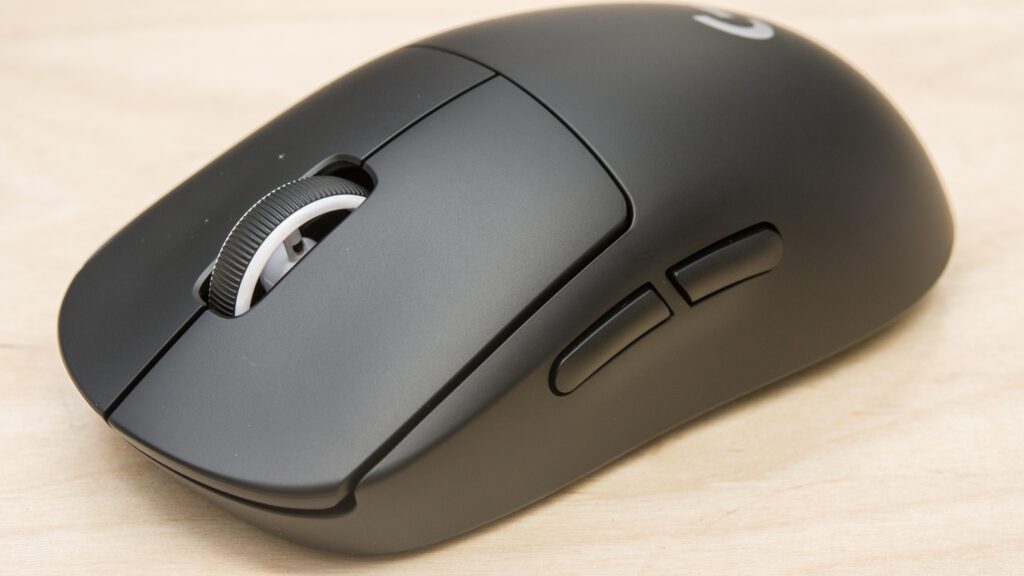
To get this weight down, Logitech left out a few bells and whistles you might see on other mice:
- No RGB lighting
- Only two side buttons on the left
- No onboard DPI switch — adjustments go through Logitech’s software
Some gamers miss having more buttons or RGB flair, but if your priority is pure performance without distractions, this laser-focused design keeps the weight on target and the sensor doing what matters.
Pros
- Ultra-light weight (≈63 g) makes movement almost effortless.
- Top-tier tracking with HERO sensor and low latency wireless.
- Great build and ergonomics for long gaming sessions.
- Long battery life — excellent for wireless gaming setups.
- Extras included (grip tape, dongle cable, extra feet).
Cons
- Minimalist feature set — no RGB, limited buttons.
- Micro-USB port instead of USB-C for charging.
- Smaller number of programmable inputs may frustrate MMO players.
If your gaming revolves around speed, precision, and simplicity, the Logitech G PRO X Superlight delivers on every front. It strips away extras that don’t directly help performance and gives you a pointer that feels almost weightless yet insanely accurate. For FPS, MOBA, and competitive gamers who demand every millisecond count, it’s one of the easiest wireless gaming mice to recommend.