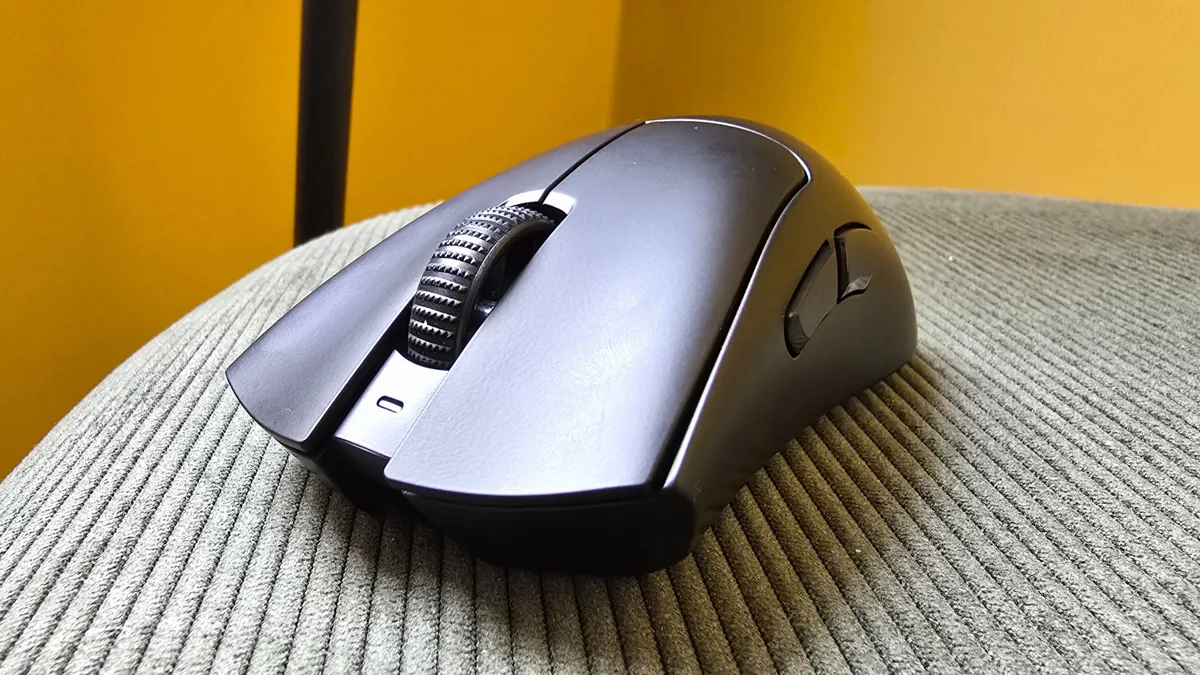

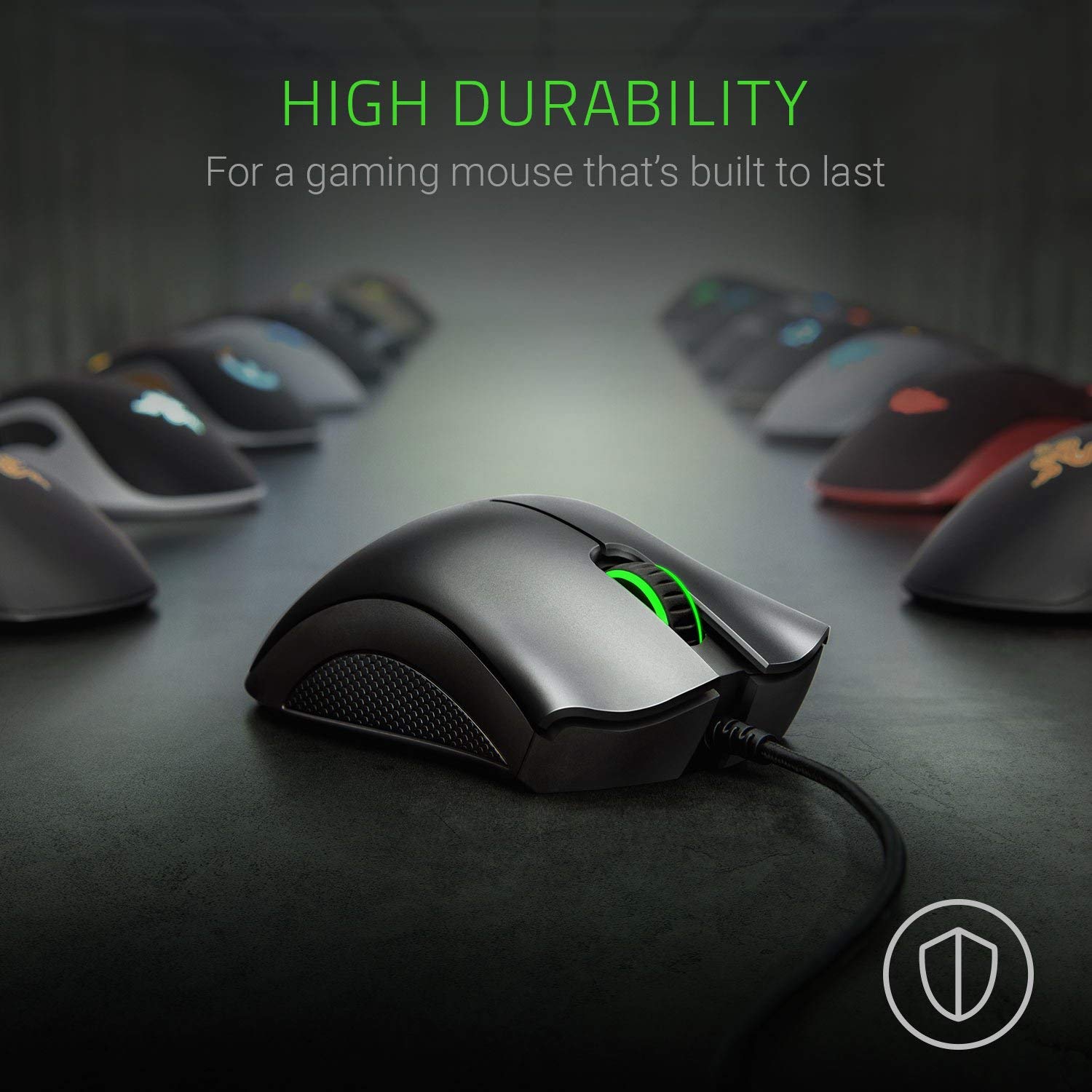
If you’re looking for an entry-level gaming mouse with reliable performance and a classic design, the Razer DeathAdder Essential is worth checking out. It doesn’t have all the bells and whistles of top-tier peripherals, but for the price point, it delivers a surprisingly capable all-round experience. Here’s a closer look at what it gets right — and where it falls short.
Comfort & Design
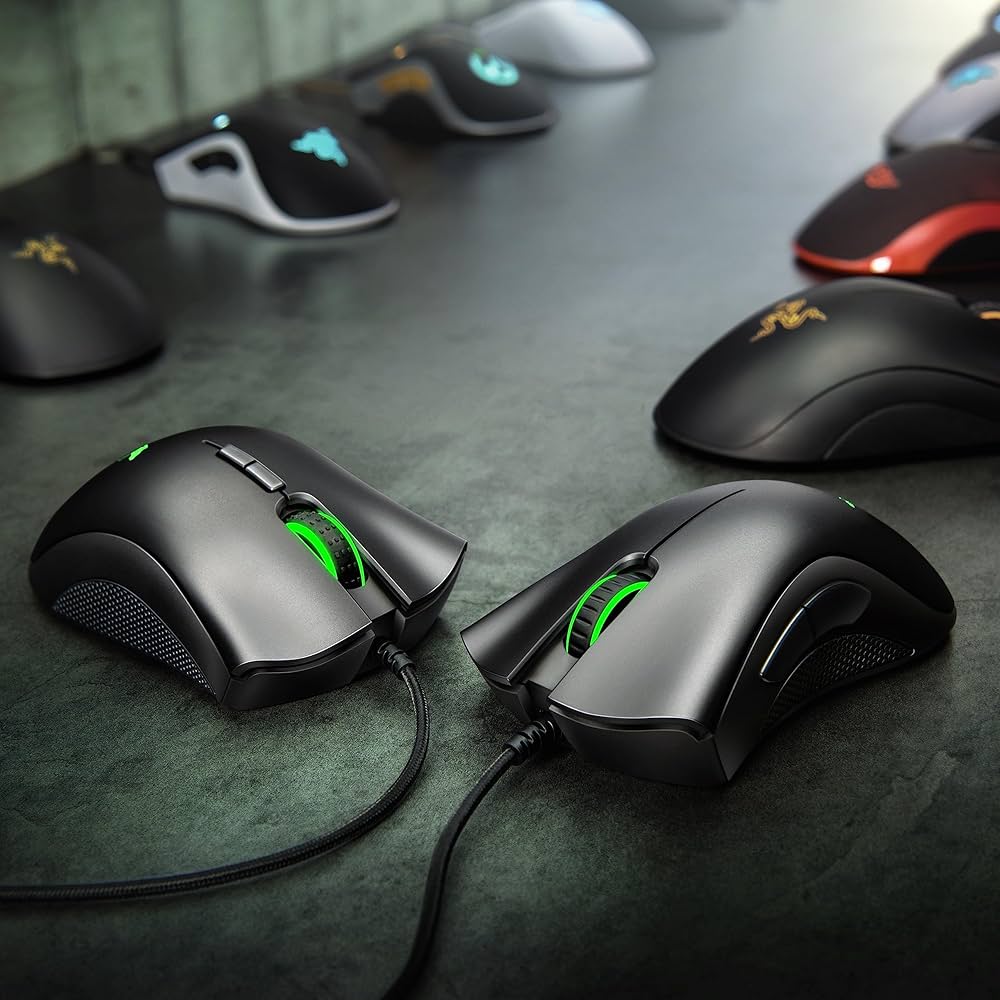
One of the biggest strengths of the DeathAdder Essential is its ergonomic shape. Razer has kept the iconic contour that the DeathAdder series is known for, making it comfortable for extended gaming sessions. Medium to large hands — especially with palm or claw grips — will feel right at home, although users with smaller hands might find it a bit unwieldy.
The mouse weighs around 96 g, which isn’t ultra-light by modern standards but still feels solid and balanced in most grips. The build quality feels sturdier than some budget competitors, and the green Razer logo adds a simple, gamer-friendly touch (without excessive RGB).
Performance & Sensor
At its core, this mouse uses a 6,400 DPI optical sensor, which provides accurate and consistent tracking for casual and mid-level gaming. While it doesn’t compete with high-end sensors found in flagship mice, it’s more than adequate for titles like Valorant, CS: GO, or PUBG, especially at modest sensitivities.
Other key points:
- Low lift-off distance — meaning the cursor stays stable when you lift the mouse slightly.
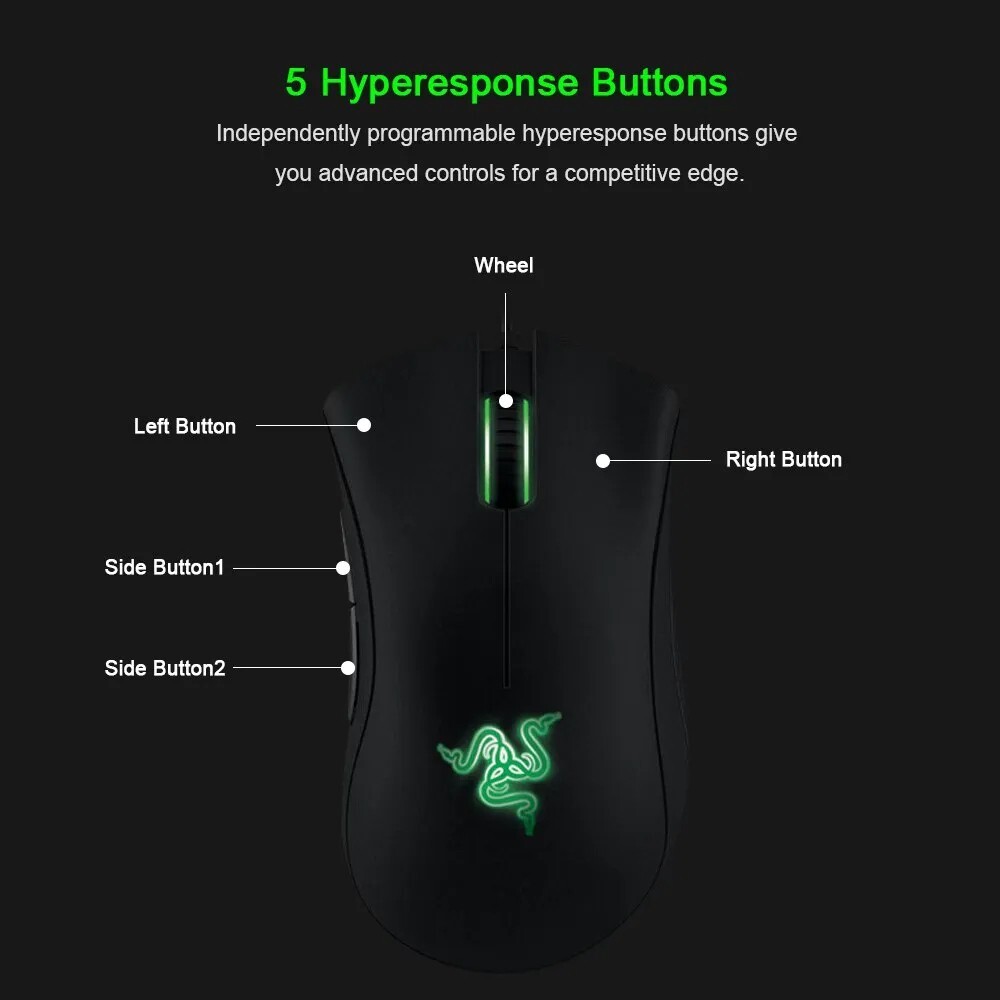
- 5 programmable buttons let you tailor controls via Razer Synapse 3, though you’ll need the software installed on your system to adjust settings.
- The wired connection ensures minimal input lag — a must for gamers who care about responsiveness.
Overall, it might not be the fastest or lightest mouse out there, but the performance is reliable and consistent for most players.
Software & Customization
Razer’s Synapse 3 software lets you:
- Remap buttons
- Adjust sensitivity (DPI)
- Change polling rate between 125 Hz, 500 Hz, and 1000 Hz
- Tweak the lighting brightness or choose a breathing effect for the logo
There’s no onboard memory, though — so your settings stay tied to the PC with Synapse installed, not saved to the mouse itself.
Pros
- Comfortable ergonomic shape ideal for medium–large hands.
- Solid build quality for a budget mouse.
- Decent sensor performance for casual and entry-level gaming.
- Programmable buttons and software support give customization options.
Cons
- No onboard memory — settings must be adjusted through Razer software.
- Basic sensor compared to high-end models — fine for most gamers, but not elite-level precision.
- Cable isn’t the most flexible and there’s no wireless option.
- Lacks advanced features like RGB lighting zones or dedicated DPI buttons.
Who Is This For?
This mouse is an excellent fit if you want:
- A budget-friendly gaming mouse that still performs well.
- A comfortable ergonomic shape reminiscent of higher-end DeathAdder models.
- Something reliable for FPS, MOBA, and everyday gaming without spending big.
If you’re chasing ultra-lightweight builds, wireless performance, or pro-grade sensors, you might want to consider newer or higher-tier options like the Razer DeathAdder V2 X HyperSpeed Wireless Gaming Mouse or Razer DeathAdder V3 Pro Wireless Gaming Mouse instead — but for its price bracket, the DeathAdder Essential offers remarkably solid value.
The Razer DeathAdder Essential strikes a smart balance between comfort, value, and performance. It won’t top esports tournaments or replace pro-tier gaming gear, but for casual to serious PC gamers on a budget, it’s a dependable choice that’s easy to recommend — especially if you like the classic DeathAdder silhouette.