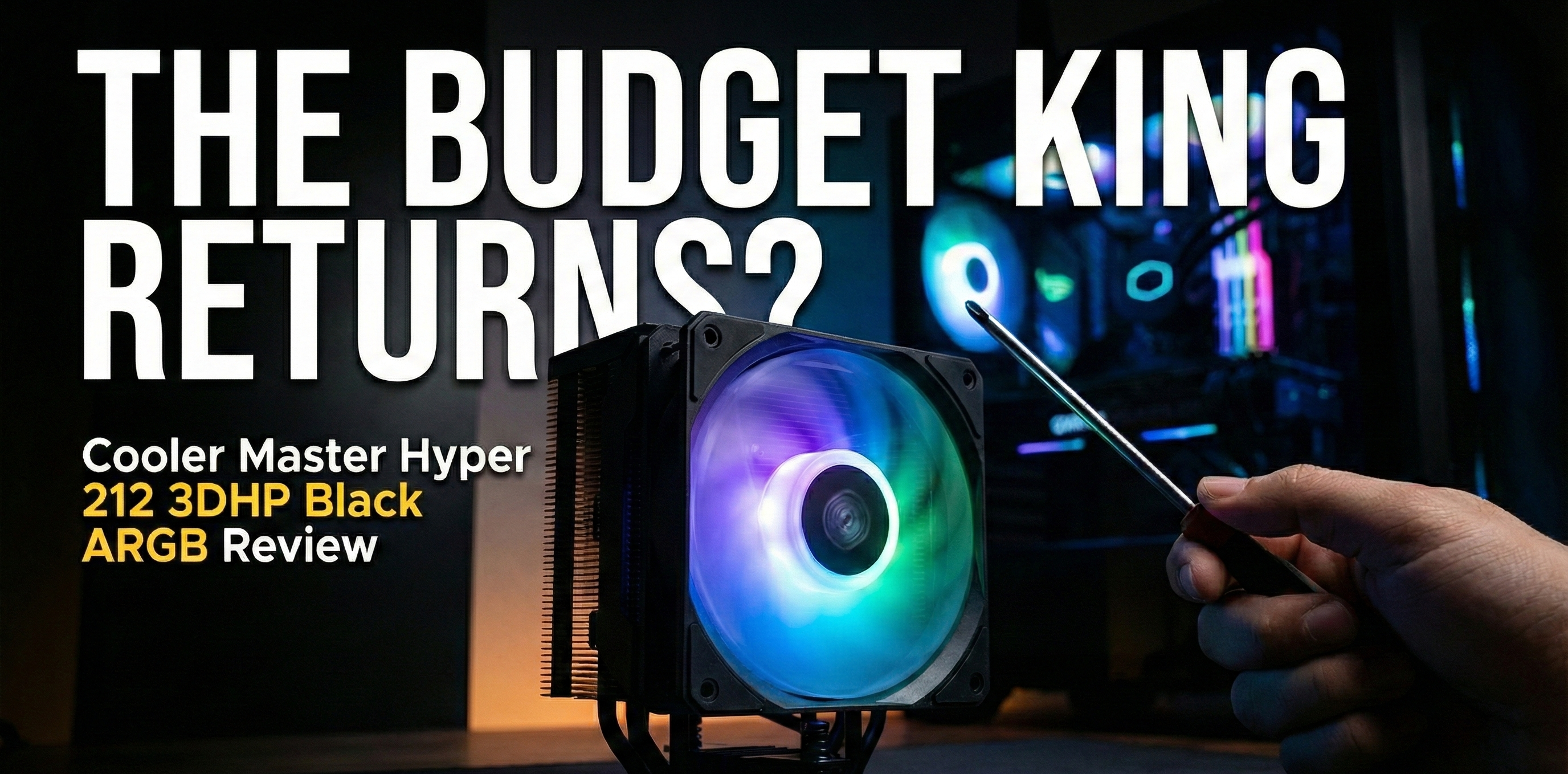
For over a decade, one name has been synonymous with “budget PC building”: the Hyper 212. If you built a computer on a budget in the last 15 years, odds are you considered—or bought—a Cooler Master Hyper 212.
Now, Cooler Master is back with its latest iteration: the Cooler Master Hyper 212 3DHP Black ARGB. But in a world where AIOs are getting cheaper and CPUs are getting hotter, does this legendary air cooler still hold the crown?
Based on a recent comprehensive review by TweakTown, here is the breakdown of whether this wallet-friendly cooler is right for your next build.
What is 3DHP Technology?
The biggest change in this model is right in the name: 3DHP (3D Heat Pipe). Historically, the Hyper 212 utilized four standard heat pipes. This new version shakes up the formula.
Instead of the traditional layout, the CPU cooler features two full heat pipes and incorporates a pair of “half pipes.” This design aims to provide an efficiency boost while keeping manufacturing costs low. The base skips the finely machined copper of premium models for a more natural, convex copper contact plate—a cost-cutting measure that helps keep the price tag incredibly attractive.
Design and Aesthetics
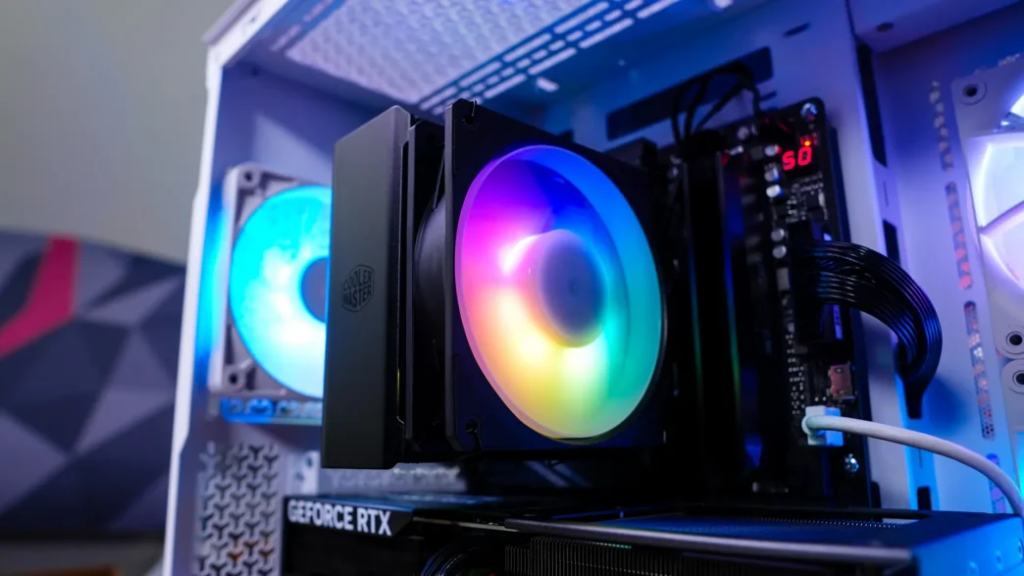
Aesthetically, this might be the best-looking Hyper 212 yet. It features a “murdered-out” all-black design that blends seamlessly into modern builds.
- Dimensions: 158mm tall (fits most mid-tower cases).
- Fan: A 120mm ARGB fan that tops out at 2050 RPM.
- Lighting: The ARGB implementation is solid, illuminating the fan hub and reflecting off the white blades for a clean look that syncs with your motherboard software.
Performance: You Get What You Pay For
Let’s be realistic: you are buying a cooler that costs about the same as a large pizza. You shouldn’t expect it to beat a 360mm liquid cooler.
According to testing, the Hyper 212 3DHP is a capable workhorse, but it won’t break records.
- Thermals: Under load, the cooler hovered around 75.6°C. It successfully kept the CPU from throttling, which is the most important metric for a budget cooler, but it ran warmer than dual-fan competitors.
- VRM Temps: The tower design resulted in warmer Voltage Regulator Module (VRM) temperatures (around 63°C) compared to wider coolers that direct more air downwards.
- Noise: To keep up with the heat, the fan has to spin fast (up to 1652 RPM in testing). This resulted in a noise level of roughly 37 dB. It is audible, but easily drowned out by case panels or game audio.
Installation
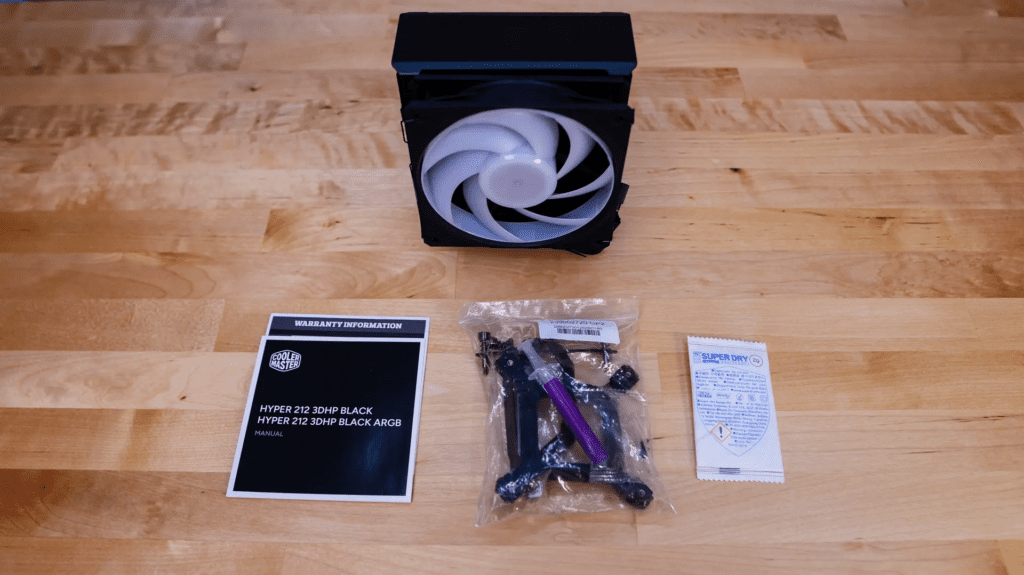
If you have ever struggled with mounting hardware, you can breathe a sigh of relief. The installation process is widely praised for being one of the easiest in the game. It uses a straightforward bracket system for both Intel and AMD sockets, meaning you can get this cooler out of the box and onto your motherboard in minutes.
One minor note: The fan does hang over the RAM slots. If you are using tall, RGB-heavy memory sticks, you might run into clearance issues in the first slot.
The Verdict
Is the Cooler Master Hyper 212 3DHP Black ARGB worth your money?
Yes, if you are on a budget. With an MSRP floating around $29.99 – $35.00, it offers incredible value. It looks premium, installs easily, and keeps modern CPUs within safe operating temperatures. It is the perfect choice for a starter gaming PC or a budget workstation where every dollar saved on cooling is a dollar earned for a better GPU.
However, if you plan on heavy overclocking or using a top-tier enthusiast chip (like an i9 or Ryzen 9), you might want to invest in a beefier solution.
Also Read : 2025 Guide to Ergonomic Wireless Mice — Highlight on the SEENDA MOU-302